

The agent harness performance optimization system. Skills, instincts, memory, security, and research-first development for Claude Code, Codex, Opencode, Cursor and beyond.
Chat2DB
Chat2DB is a free, cross-platform, local-first database client and SQL workspace for developers, DBAs, analysts, and data teams. Connect to 40+ databases, manage data, edit and…
Install
$
git clone https://github.com/OtterMind/Chat2DBInstall command taken from the project's README or registry entry. Always review code before running it.
README excerpt
Read full README on GitHub →Powered by OtterMind
An AI-powered database client and SQL workspace for developers, DBAs, analysts, and data teams.
What is Chat2DB?
Chat2DB Community is a free, cross-platform database client for Windows, macOS, and Linux. It runs entirely on your machine and combines a full-featured SQL workspace with an AI assistant that you connect to your own model.
- 40+ databases — MySQL, PostgreSQL, Oracle, SQL Server, ClickHouse, MongoDB, Redis, SQLite, MariaDB, TiDB, Hive, DB2, Snowflake, BigQuery, Elasticsearch, Trino, TimescaleDB, Greenplum, YugabyteDB, CrateDB, QuestDB, Apache IoTDB, Firebird, HSQLDB, Apache Derby, and more via plugins — new JDBC databases can be added through configuration only, without code changes.
- SQL workspace — editing, completion, formatting, execution, saved SQL, and execution history.
- AI assistant — bring your own AI model to generate, explain, and optimize SQL in natural language.
- Database management — browse metadata, manage tables and objects (DDL/DML), and edit data in place.
- Data import and export, dashboards and charts, and an open-source CLI with MCP support.
Screenshots
| Dashboards and charts | ER diagrams |
|---|---|
 |
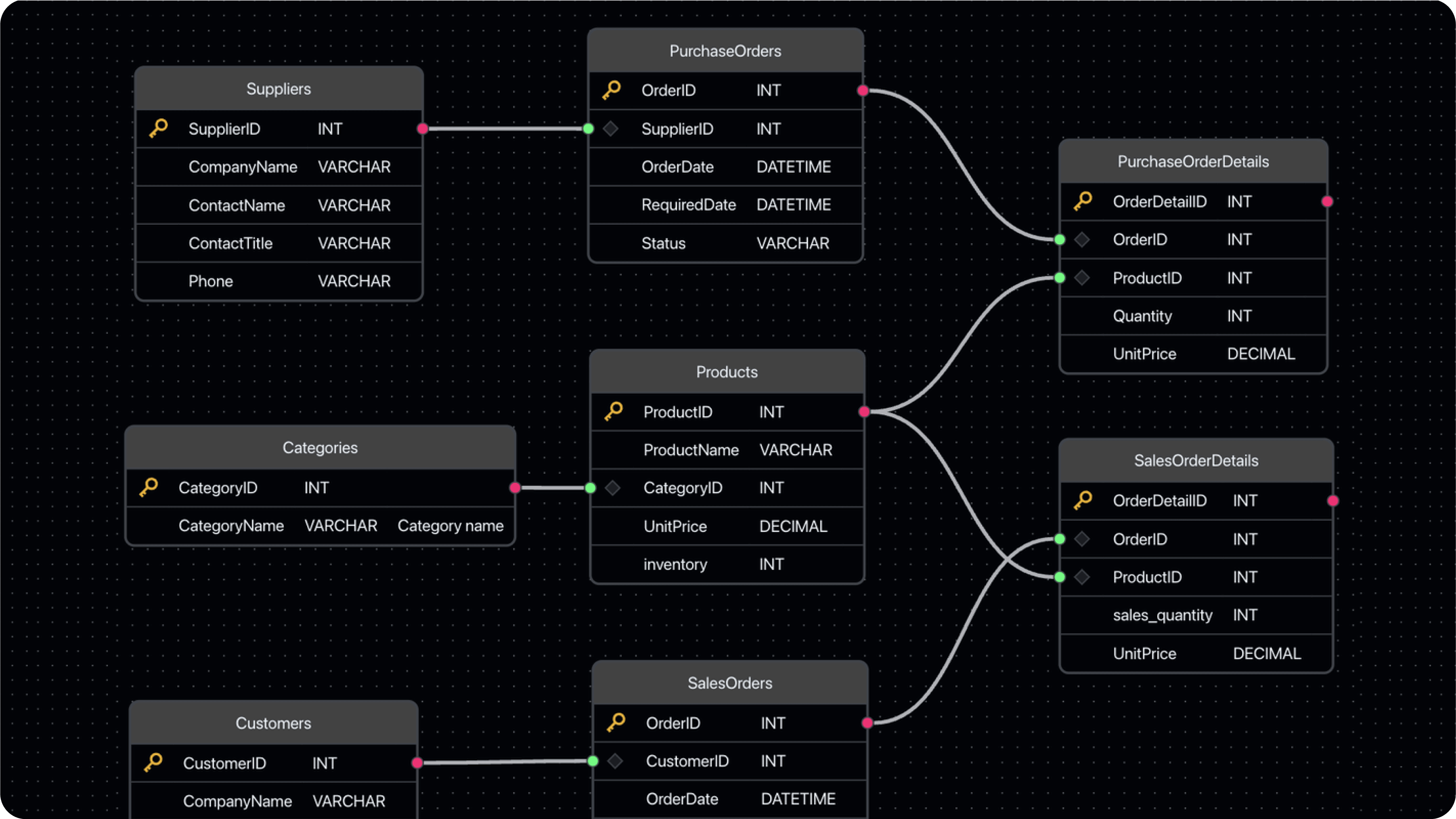 |
| Visual data management | Data import and export |
|---|---|
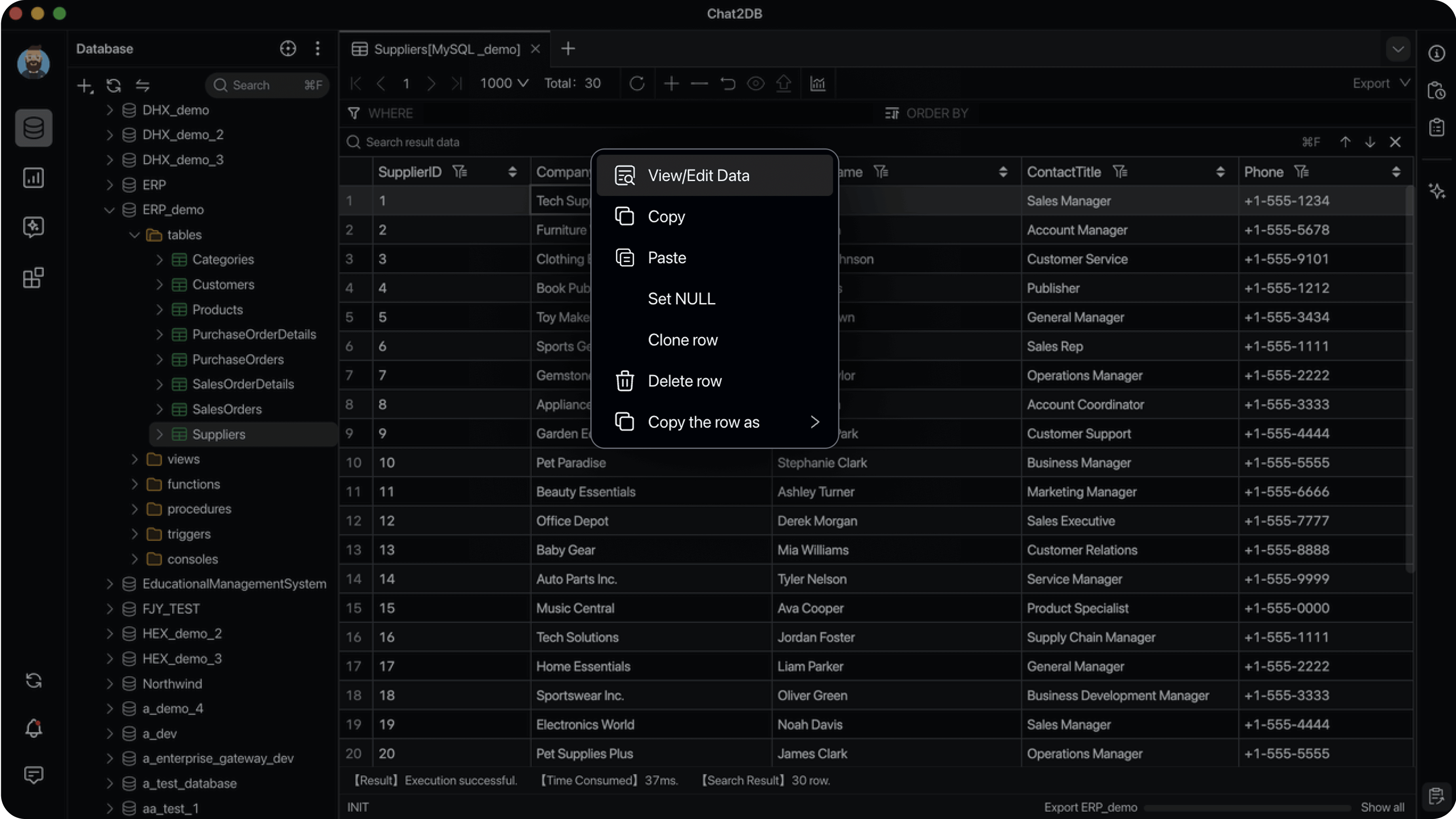 |
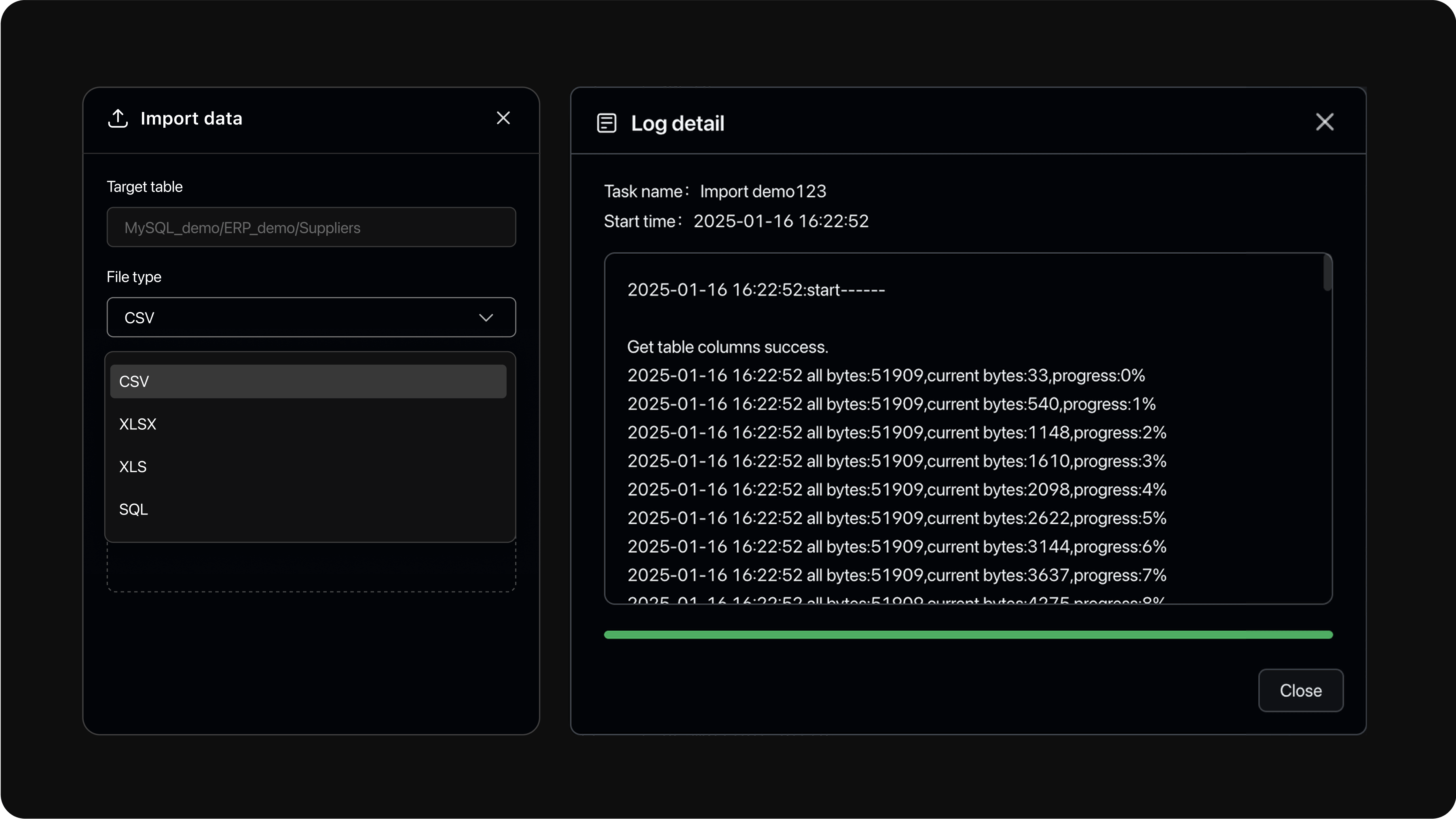 |
Early preview
The next feature line ships as an early preview before it reaches the regular Beta channel:
- Chat2DB Community 5.4.0-beta.1 (early preview) — installers for macOS, Windows and Linux.
- It adds an optional local agent runtime with skills, external MCP servers, and file and terminal tools; choose Pi Agent in the AI input's runtime selector to enable it (the first selection asks for confirmation and downloads the runtime).
- This preview is neither the stable nor the regular Beta release:
Lateststays on the stable build, and the regular Beta line continues with5.3.8-beta.x. Enable Receive Beta versions in Settings → About Us to receive it in the app.
Quick Start
Option 1: Desktop App
Download the installer for your platform from GitHub Releases, install it, and start connecting to your databases. No further setup is required.
Option 2: Docker
Requirements: Docker 19.03.0+, Docker Compose 2.0.0+ (Compose V2, only for the Compose variant), 2+ CPU cores, 4+ GiB RAM.
First create the encryption key (see Encryption Key for why it matters), then start the container:
# Run once from a repository checkout. Re-running reuses the same valid key.
git clone https://github.com/OtterMind/Chat2DB.git && cd Chat2DB
./script/security/init-community-encryption-key.sh
Similar plugs

Reverse engineer anything with agents, from app behavior down to native binaries.


Build Agentic workflows, RAG pipelines, with rich AI model and tool support on one collaborative workspace. Deploy on cloud, VPC, or self-hosted, so teams move from prototype…

User-friendly AI Interface (Supports Ollama, OpenAI API, ...)

A cross-platform desktop All-in-One assistant for Claude Code, Codex, OpenCode, OpenClaw, Grok Build & Hermes Agent. Only official website: ccswitch.io