

The agent harness performance optimization system. Skills, instincts, memory, security, and research-first development for Claude Code, Codex, Opencode, Cursor and beyond.
Interactive MCP
Vibe coding should have human in the loop! interactive-mcp: Local, cross-platform MCP server for interact with your AI Agent
Install
$
git clone https://github.com/ttommyth/interactive-mcpInstall command taken from the project's README or registry entry. Always review code before running it.
README excerpt
Read full README on GitHub →interactive-mcp
A MCP Server implemented in Node.js/TypeScript, facilitating interactive communication between LLMs and users. Note: This server is designed to run locally alongside the MCP client (e.g., Claude Desktop, VS Code), as it needs direct access to the user's operating system to display notifications and command-line prompts.
(Note: This project is in its early stages.)
Want a quick overview? Check out the introductory blog post: Stop Your AI Assistant From Guessing — Introducing interactive-mcp
Tools
This server exposes the following tools via the Model Context Protocol (MCP):
request_user_input: Asks the user a question and returns their answer. Can display predefined options.message_complete_notification: Sends a simple OS notification.start_intensive_chat: Initiates a persistent command-line chat session.ask_intensive_chat: Asks a question within an active intensive chat session.stop_intensive_chat: Closes an active intensive chat session.
Demo
Here are demonstrations of the interactive features:
| Normal Question | Completion Notification |
|---|---|
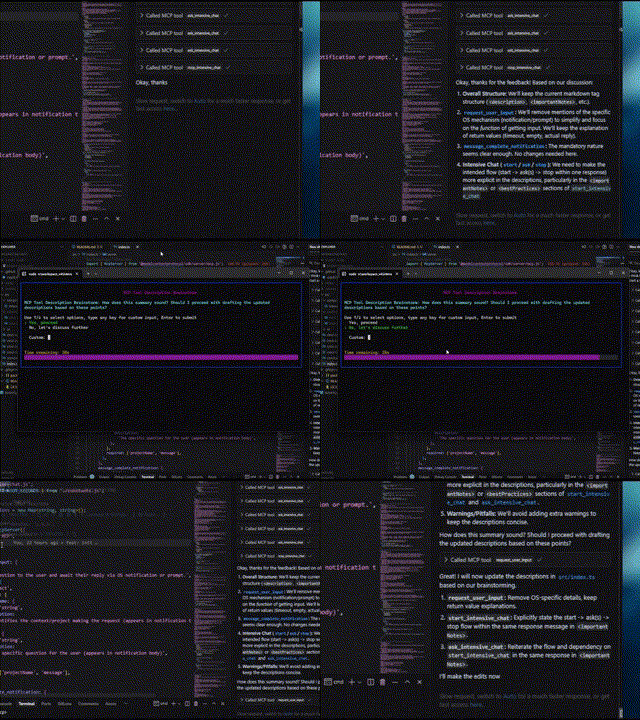 |
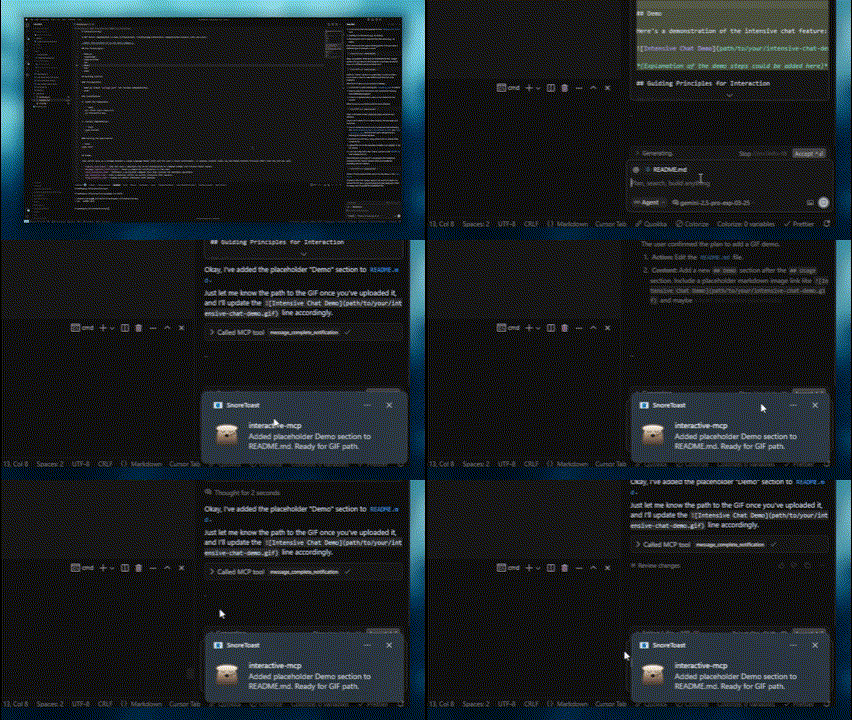 |
| Intensive Chat Start | Intensive Chat End |
|---|---|
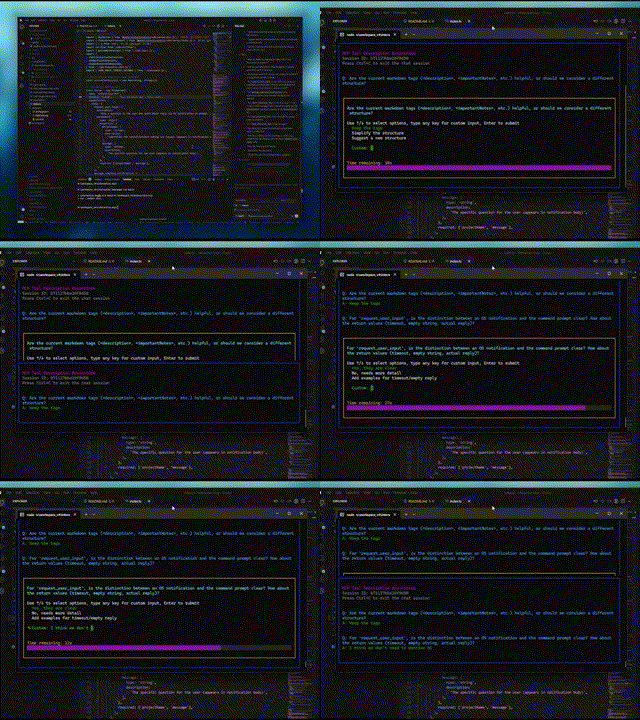 |
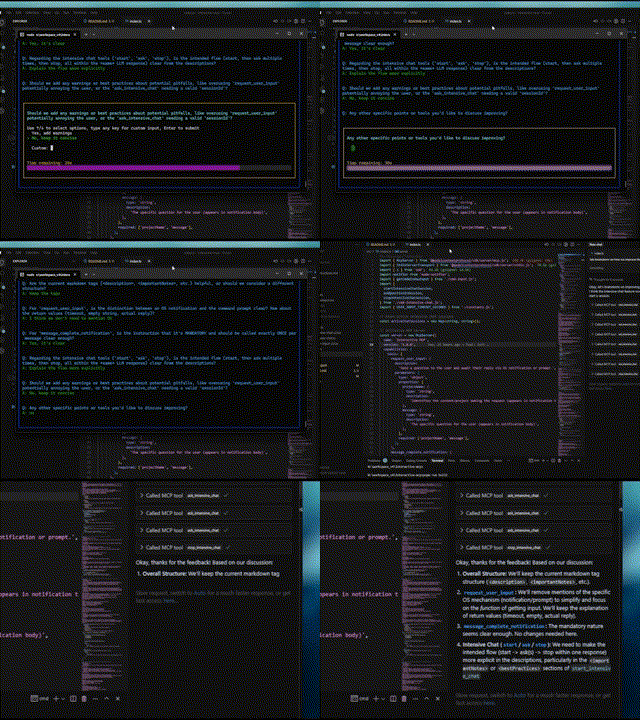 |
Usage Scenarios
This server is ideal for scenarios where an LLM needs to interact directly with the user on their local machine, such as:
- Interactive setup or configuration processes.
- Gathering feedback during code generation or modification.
- Clarifying instructions or confirming actions in pair programming.
- Any workflow requiring user input or confirmation during LLM operation.
Client Configuration
This section explains how to configure MCP clients to use the interactive-mcp server.
By default, user prompts will time out after 30 seconds. You can customize server options like timeout or disabled tools by adding command-line flags directly to the args array when configuring your client.
Please make sure you have the npx command available.
Usage with Claude Desktop / Cursor
Add the following minimal configuration to your claude_desktop_config.json (Claude Desktop) or mcp.json (Cursor):
{
  "mcpServers": {
    "interactive": {
      "command": "npx",
      "args": ["-y", "interactive-mcp"]
    }
  }
}
With specific version
{
  "mcpServers": {
    "interactive": {
      "command": "npx",
      "args": ["-y", "interactive-mcp@1.9.0"]
    }
  }
}
Example with Custom Timeout (30s):
{
  "mcpServers": {
    "interactive": {
      "command": "npx",
      "args": ["-y", "interactive-mcp", "-t", "30"]
    }
  }
}
Usage with VS Code
Similar plugs

Reverse engineer anything with agents, from app behavior down to native binaries.

Build Agentic workflows, RAG pipelines, with rich AI model and tool support on one collaborative workspace. Deploy on cloud, VPC, or self-hosted, so teams move from prototype…

User-friendly AI Interface (Supports Ollama, OpenAI API, ...)

A cross-platform desktop All-in-One assistant for Claude Code, Codex, OpenCode, OpenClaw, Grok Build & Hermes Agent. Only official website: ccswitch.io

Open-source Python library for AI browser agents, plus Browser Use Cloud: stealth browsers and a hosted agent API.