
Nuclear
Streaming music player that finds free music for you
Install
claude mcp add nuclear --transport http http://127.0.0.1:8800/mcpInstall command taken from the project's README or registry entry. Always review code before running it.
README excerpt
Read full README on GitHub →Nuclear
Nuclear is a free, open-source music player without ads or tracking. Search for any song or artist, build playlists, and start listening. Runs on Windows, macOS, and Linux.
Screenshots
Nuclear comes with multiple built-in themes, with light and a dark modes:
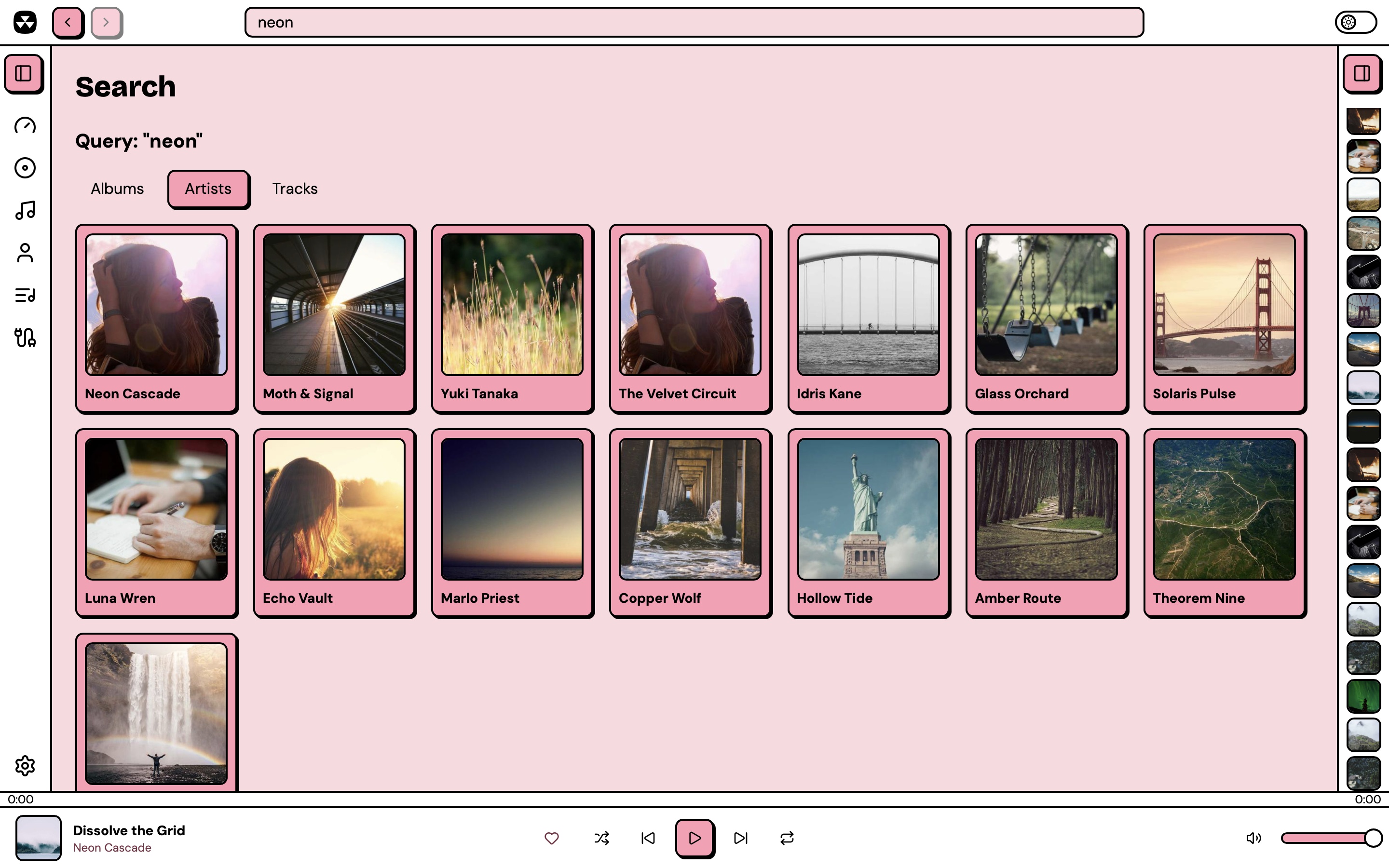 |
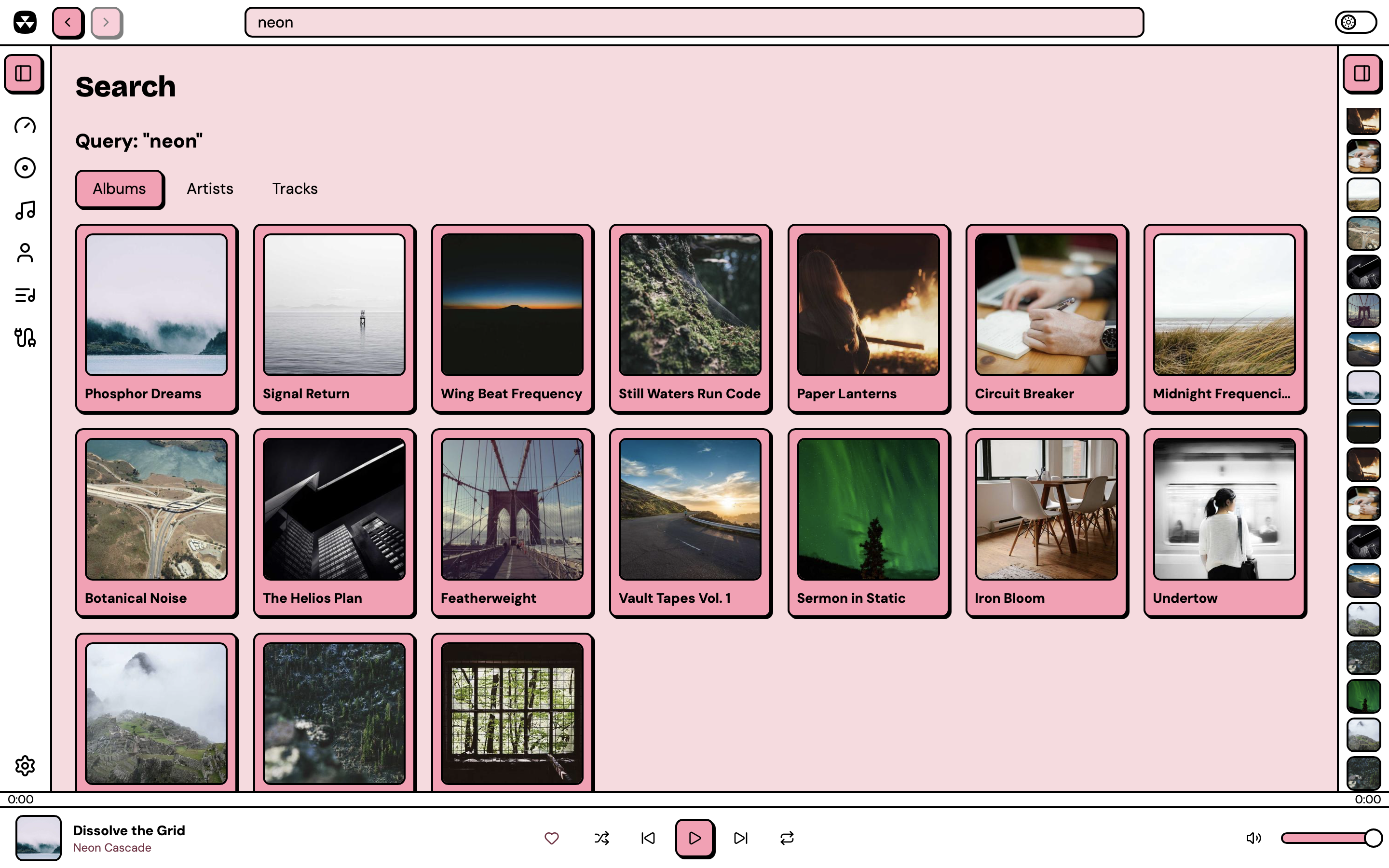 |
| Artist search | Album search |
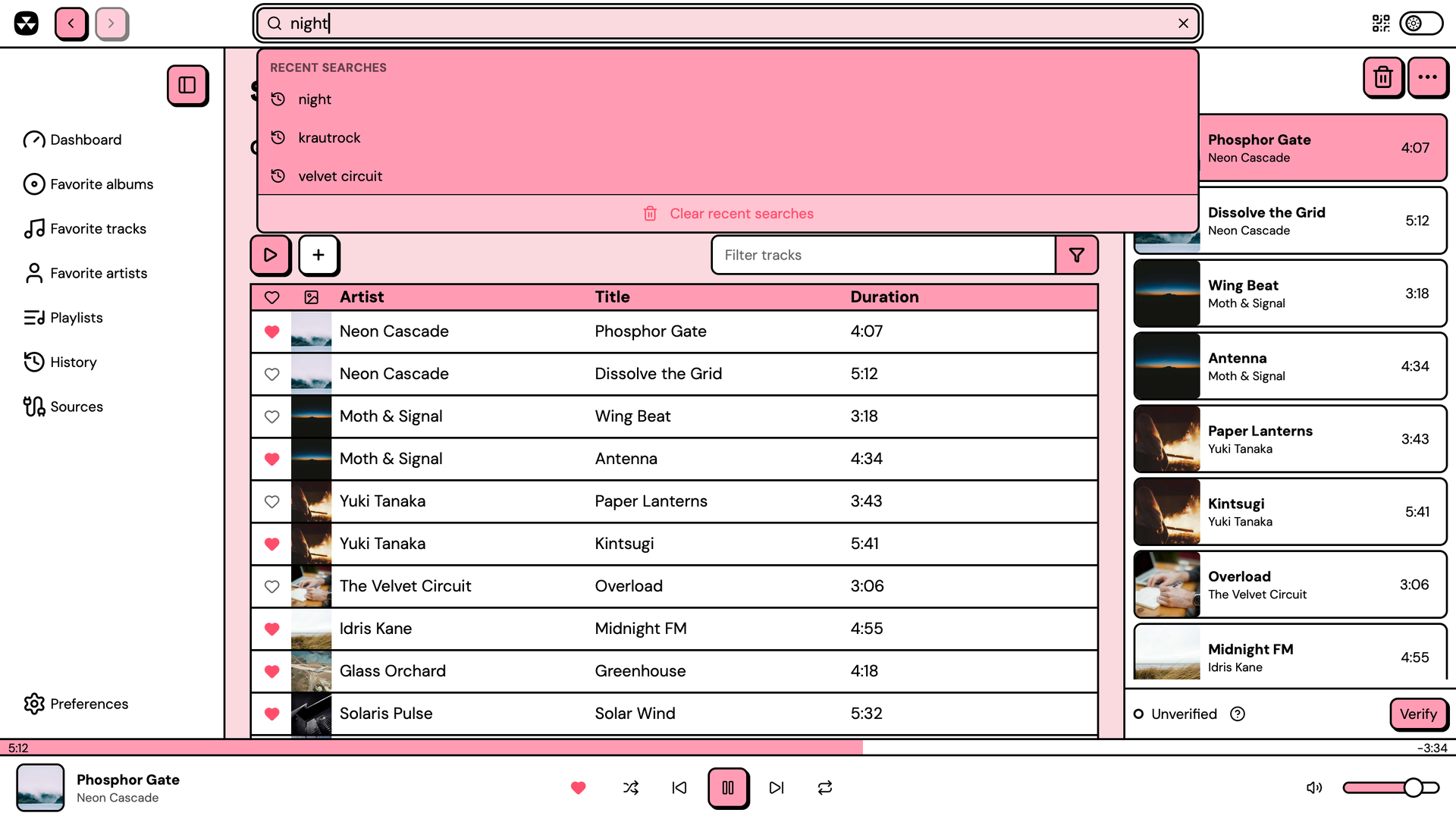 |
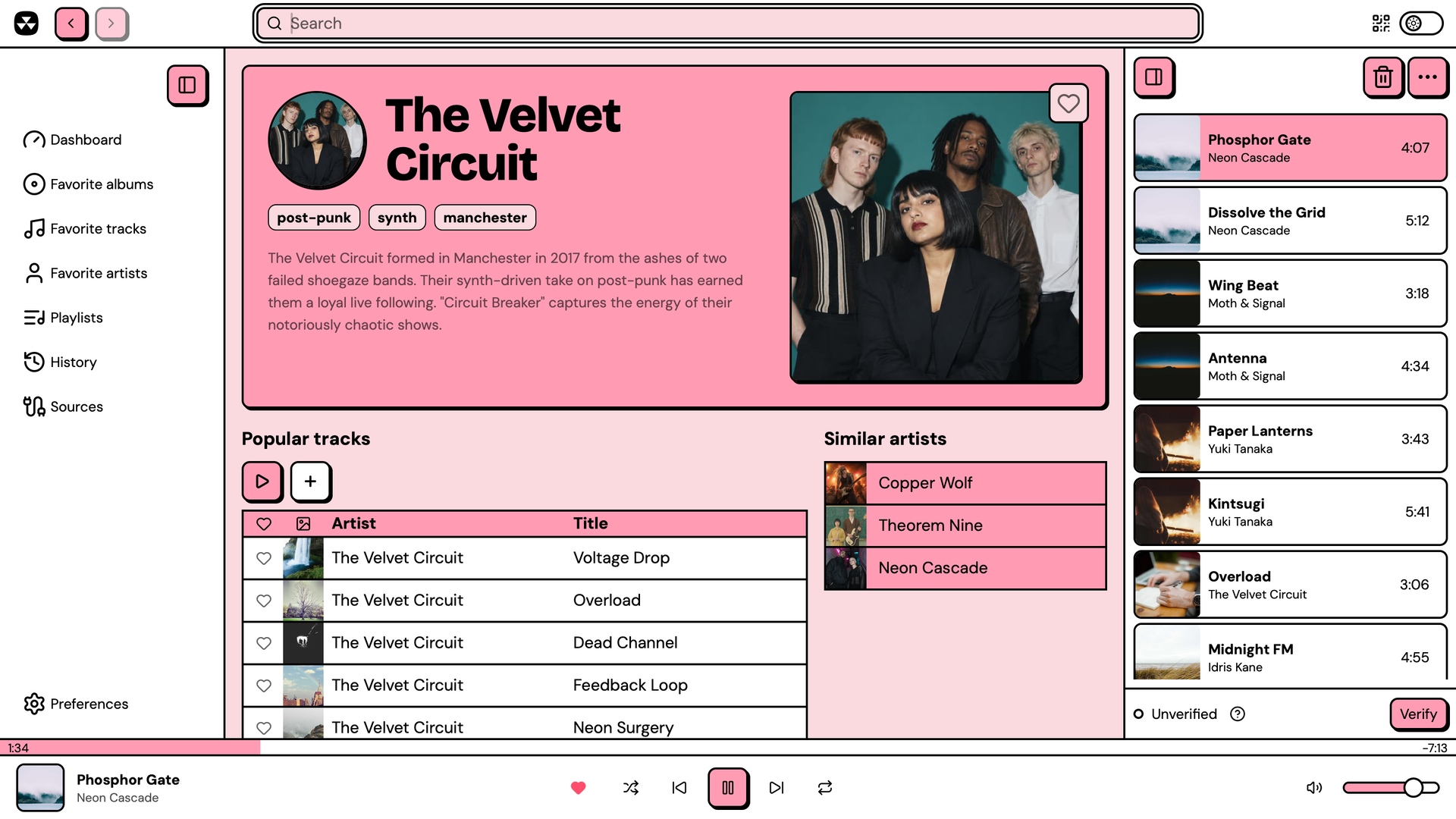 |
| Track search with recent searches | Artist page |
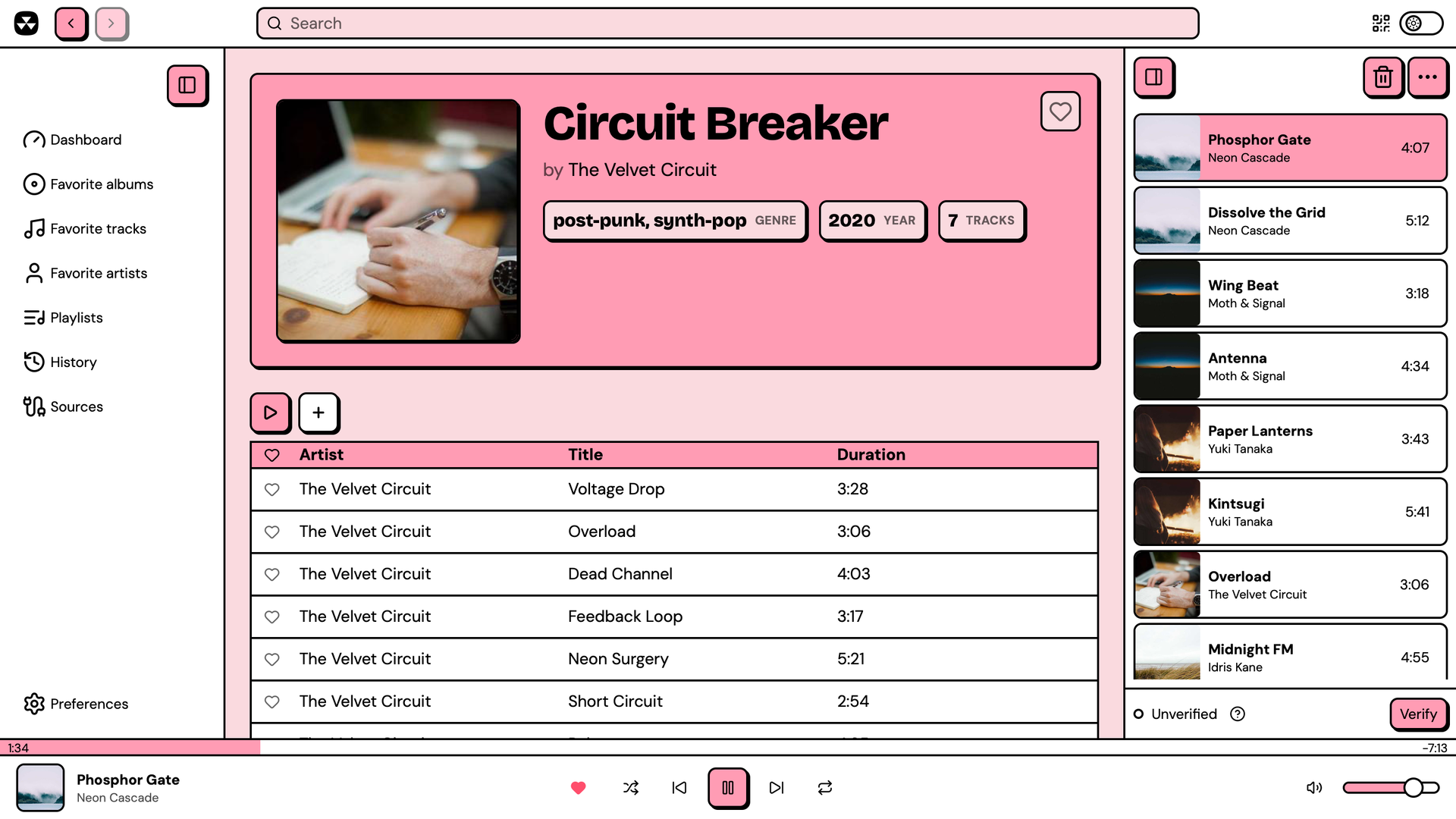 |
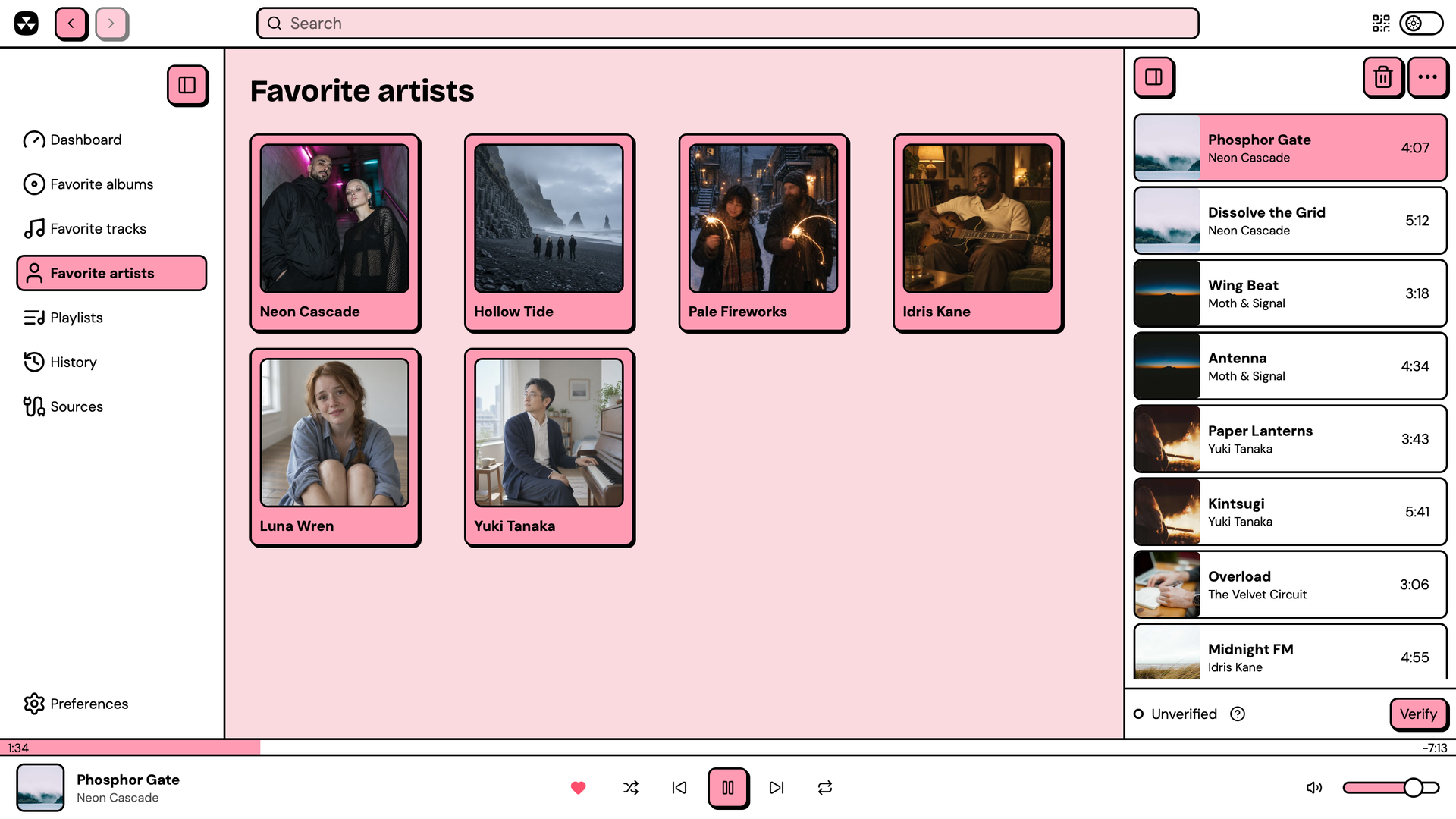 |
| Album page | Favorites |
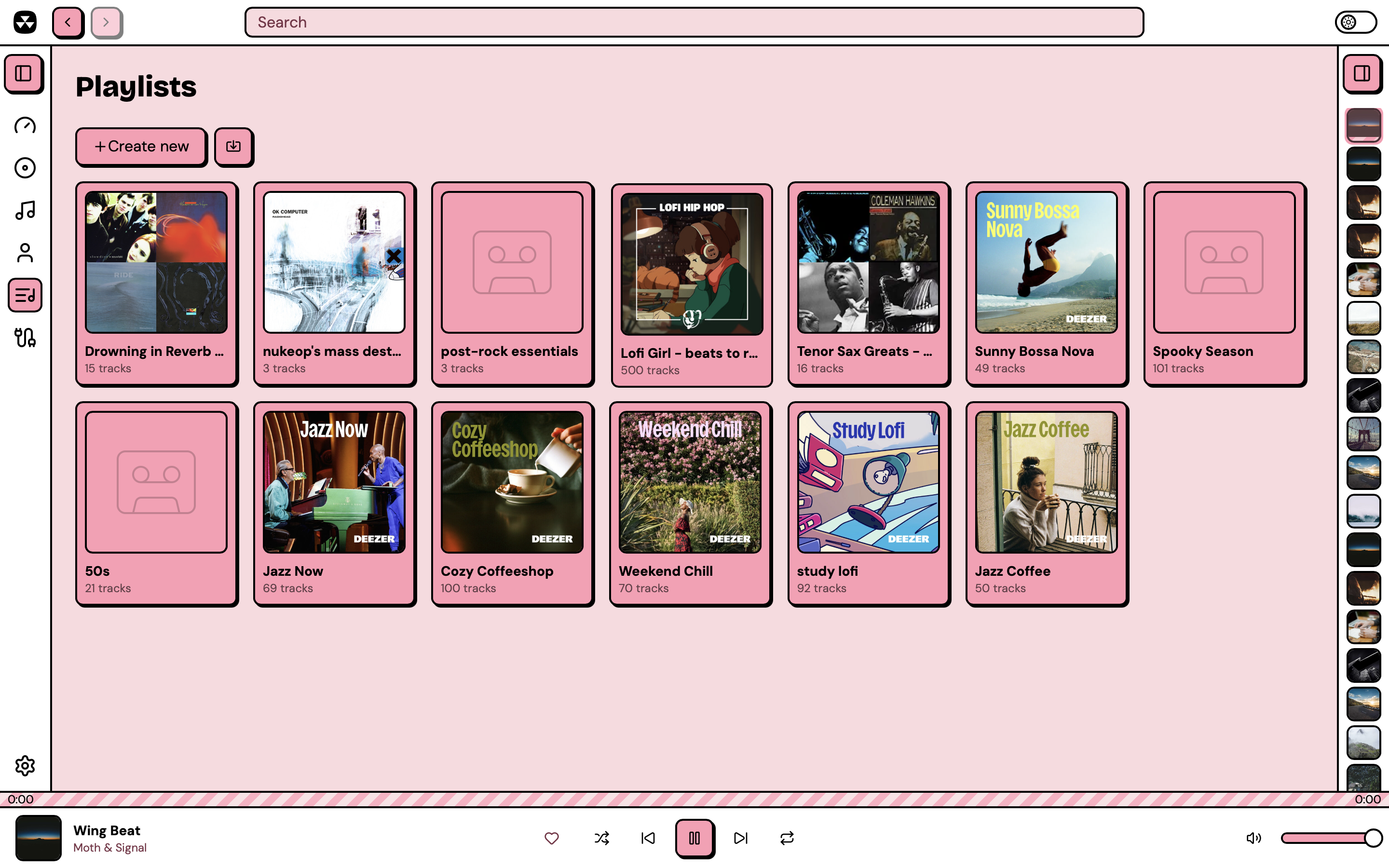 |
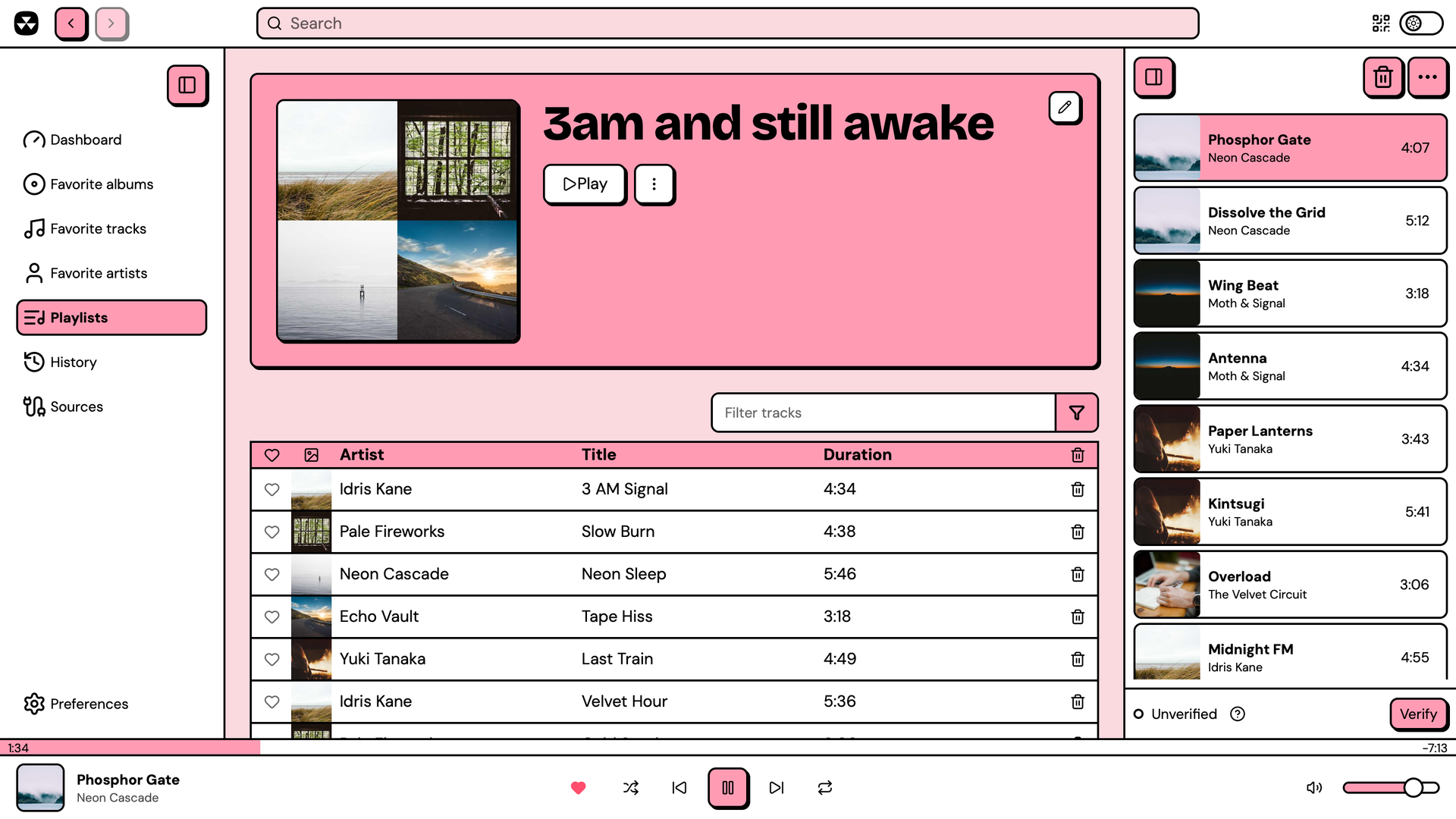 |
| Playlists | Playlist |
 |
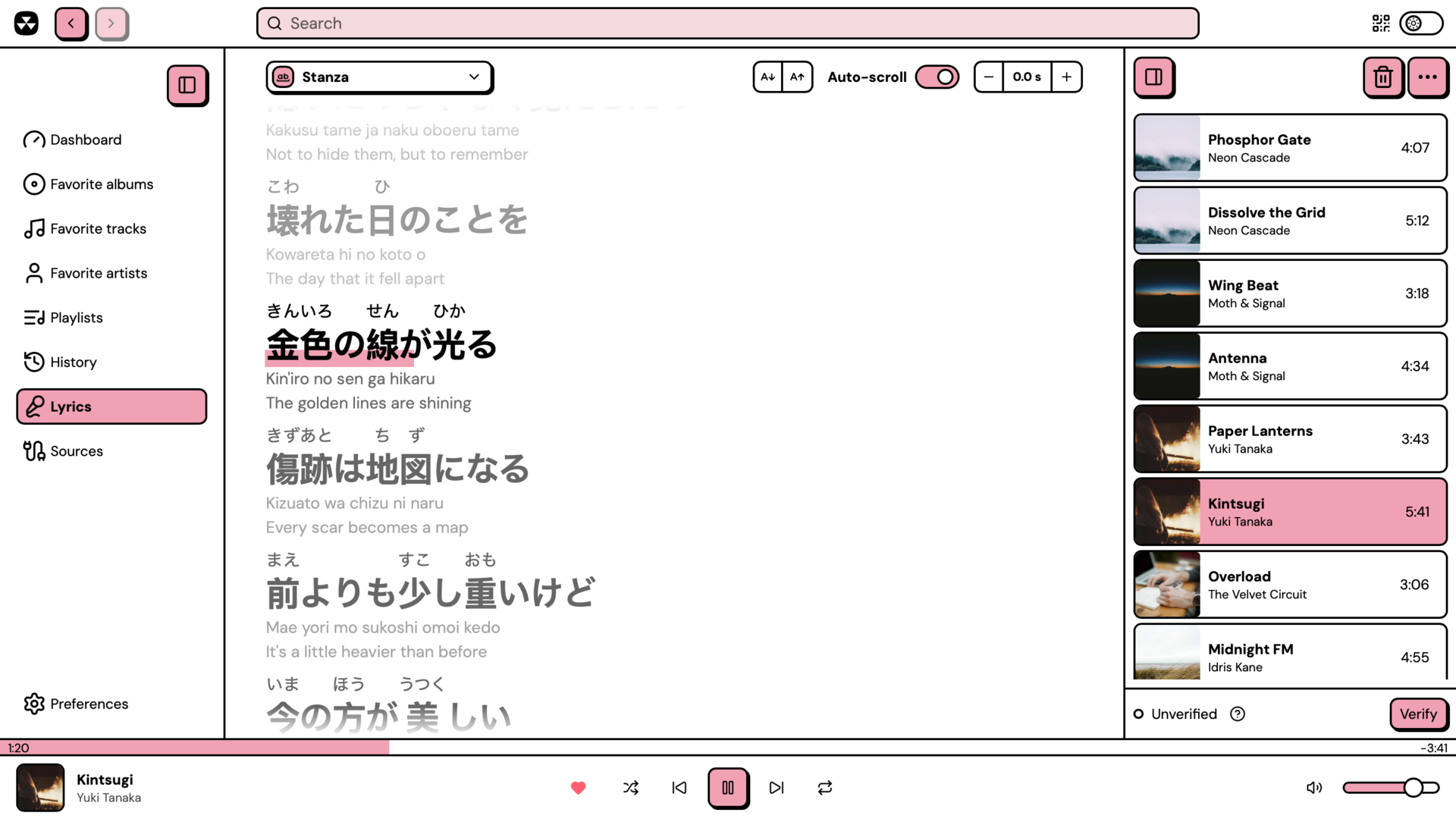 |
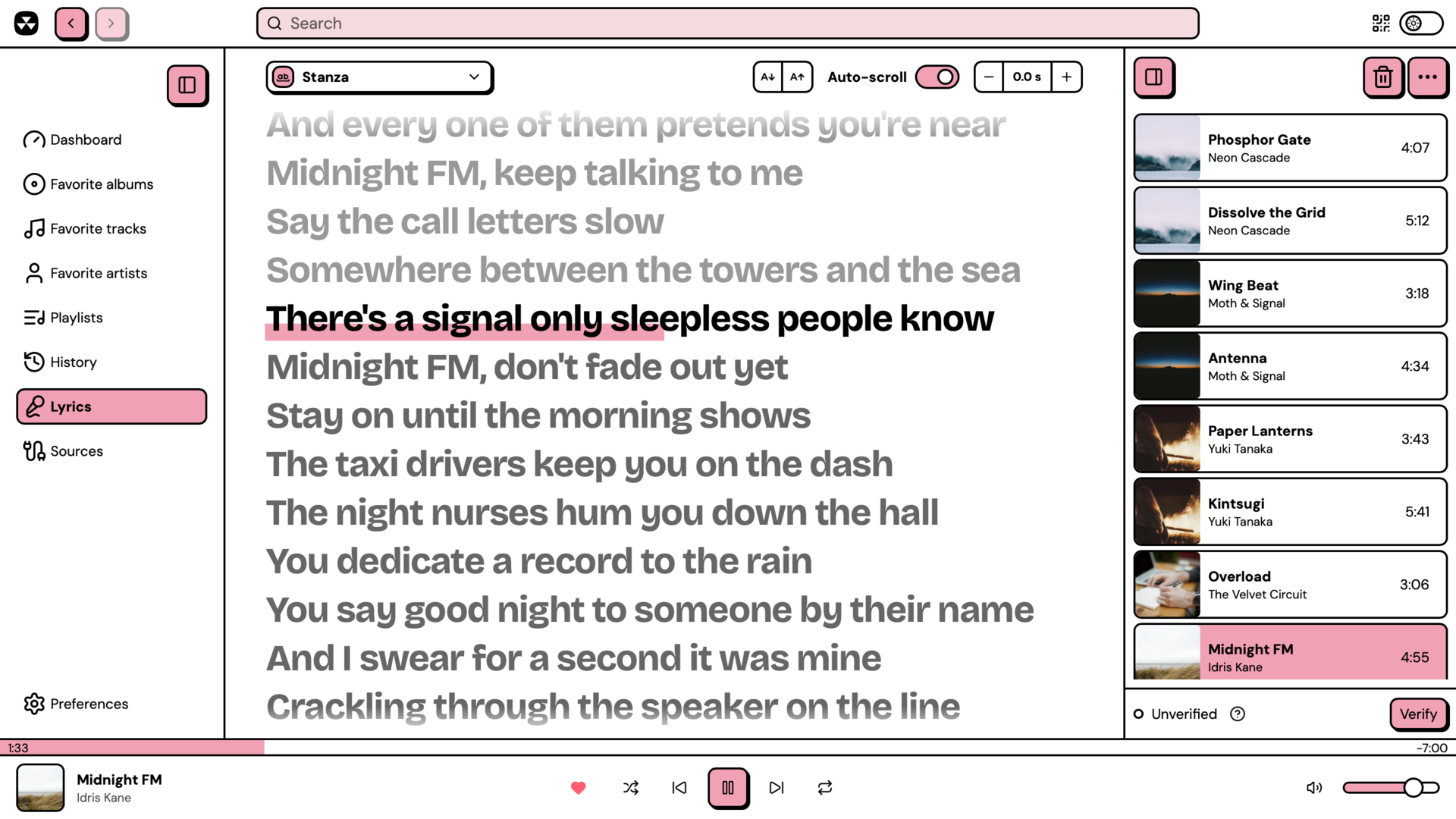
| Synced lyrics | Lyrics with furigana and translations |
 |
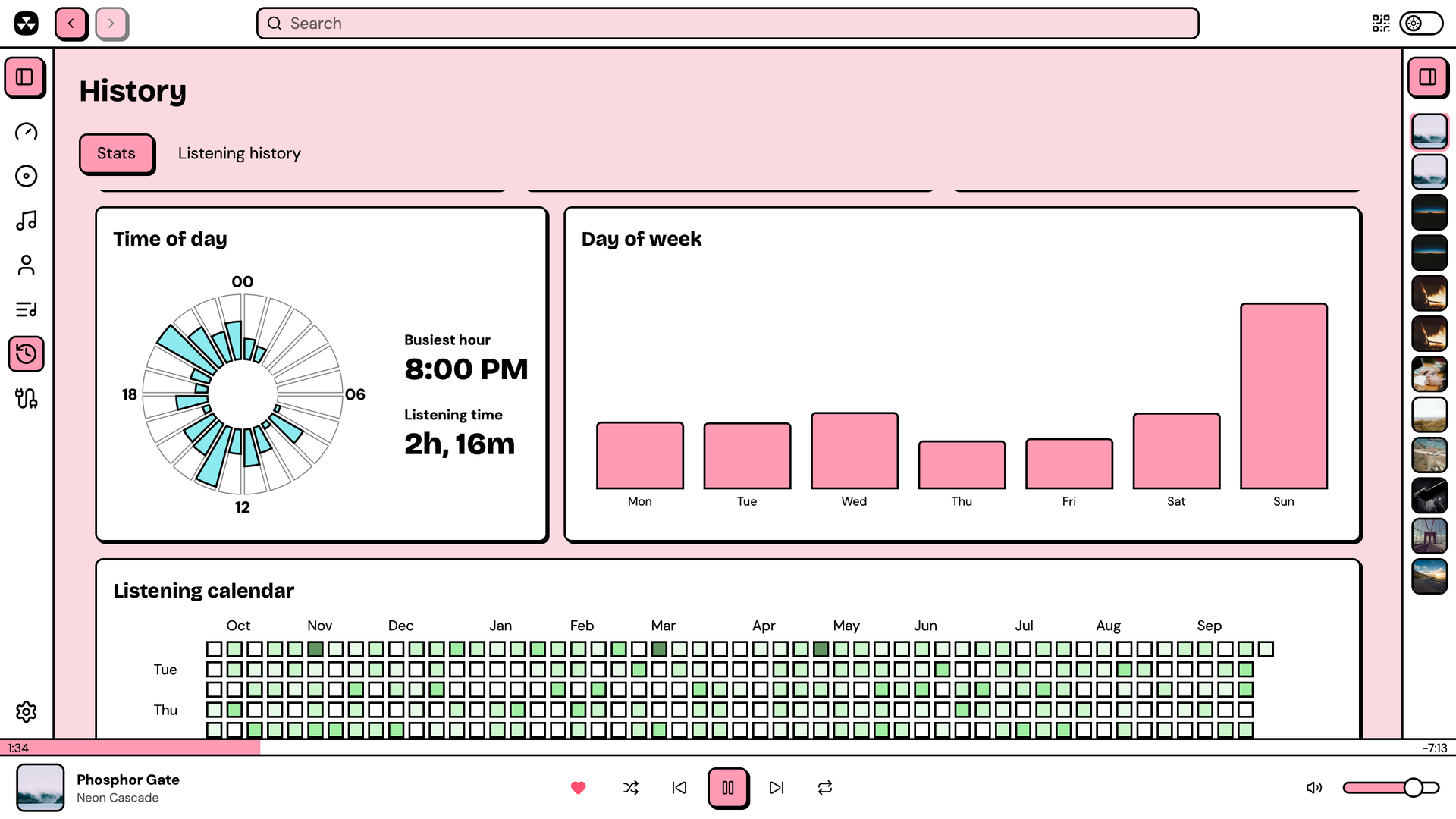 |
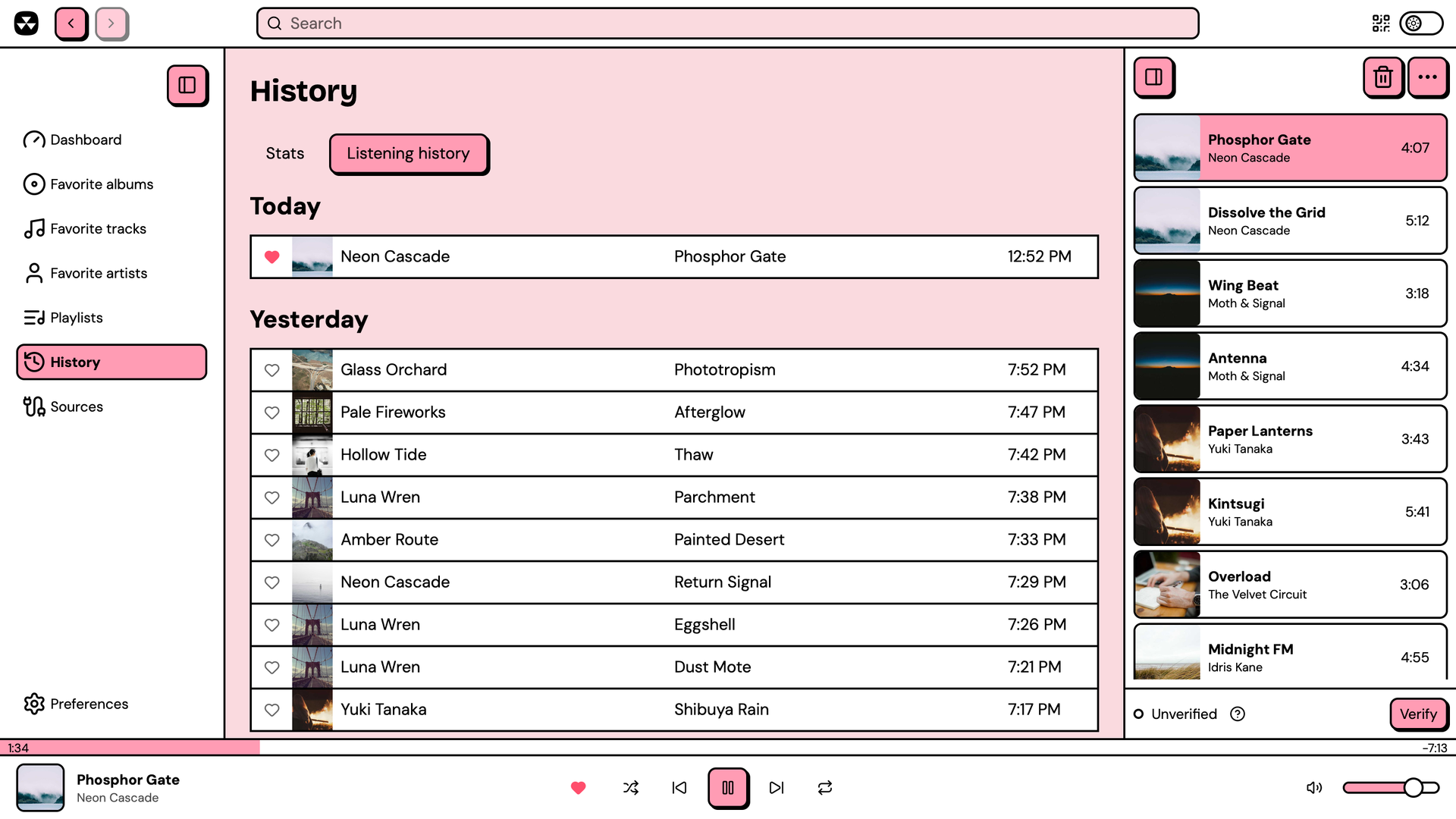
| Listening history | Listening stats |
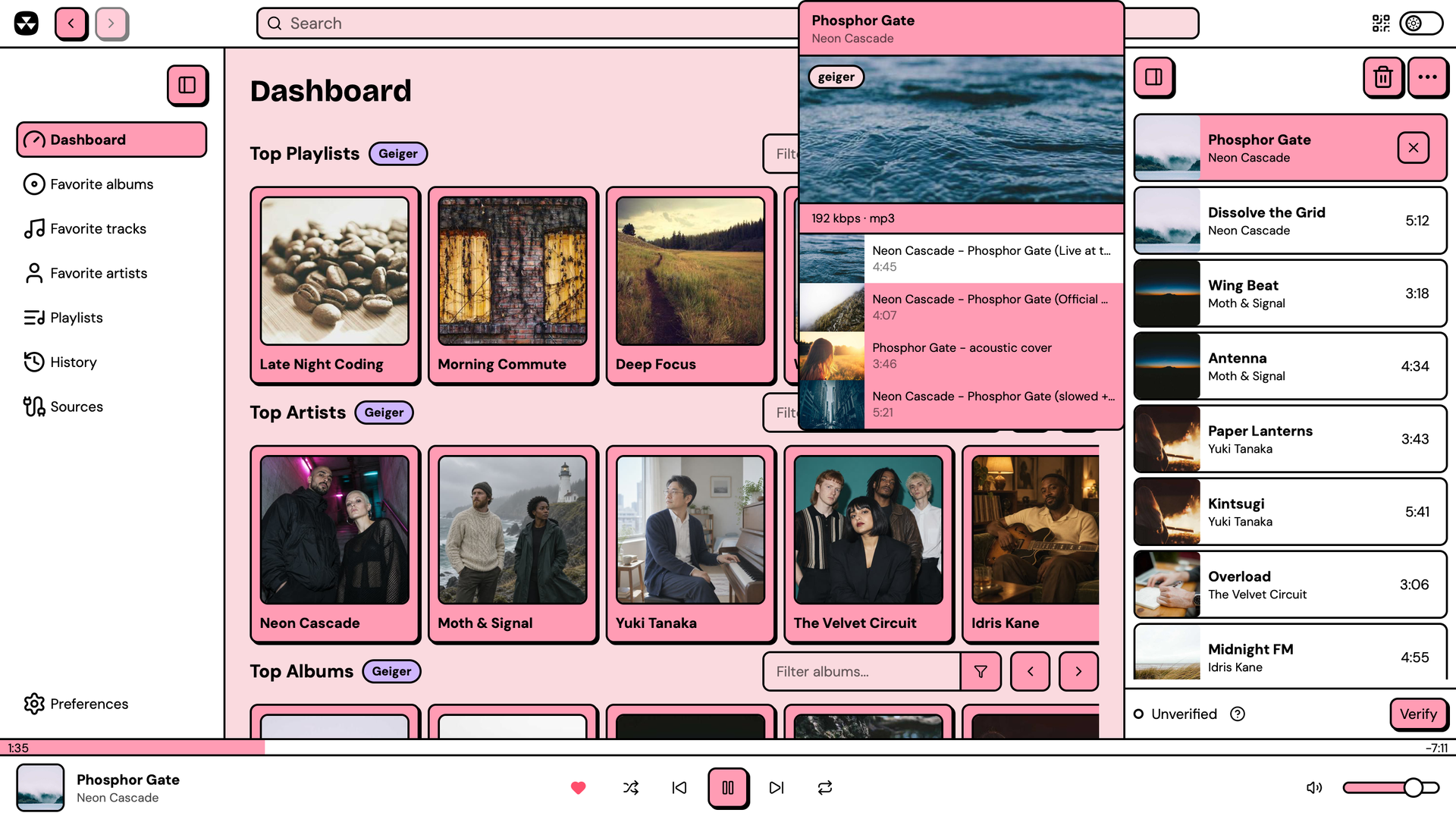 |
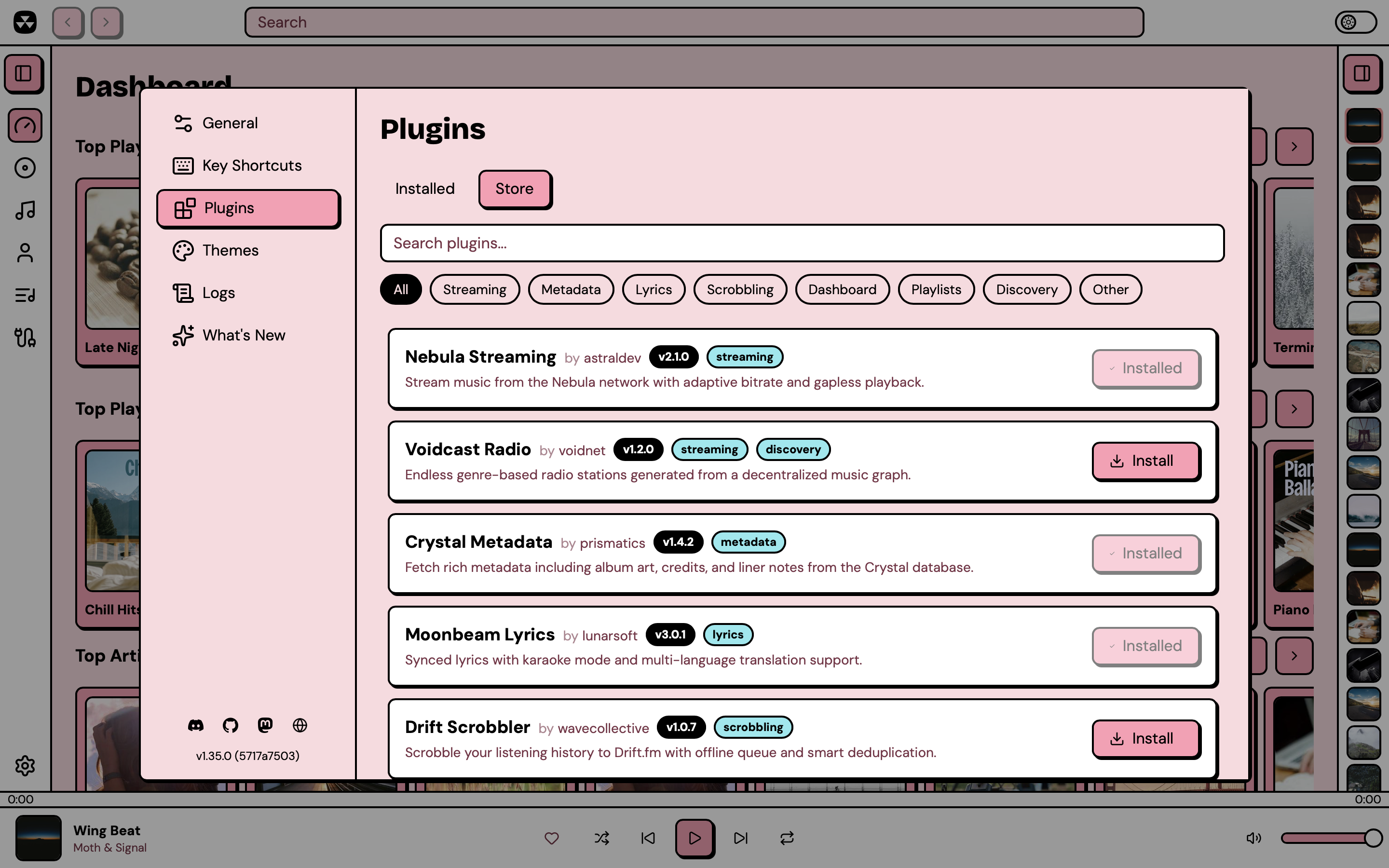 |
| Stream sources for a queued track | Plugin store |
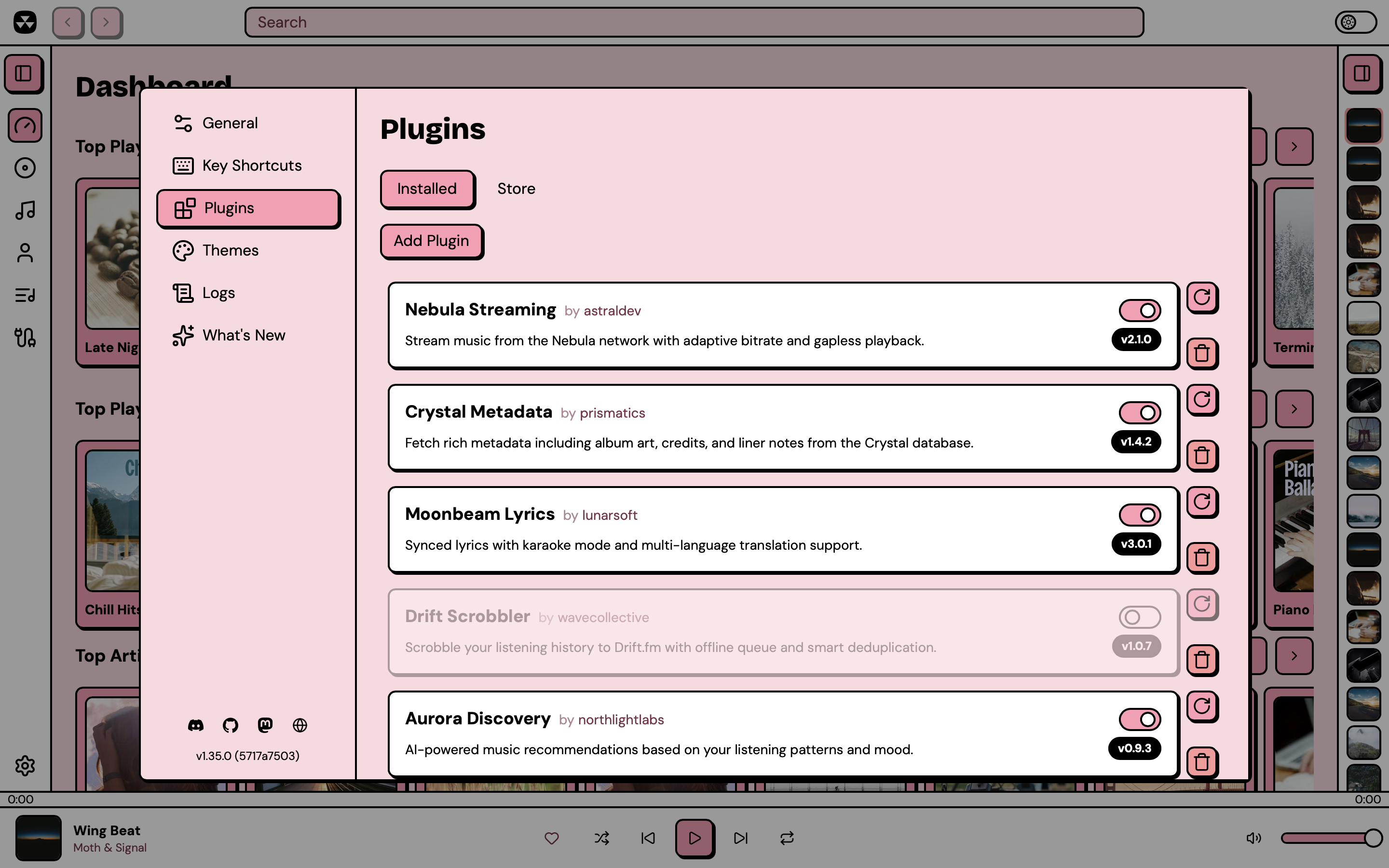 |
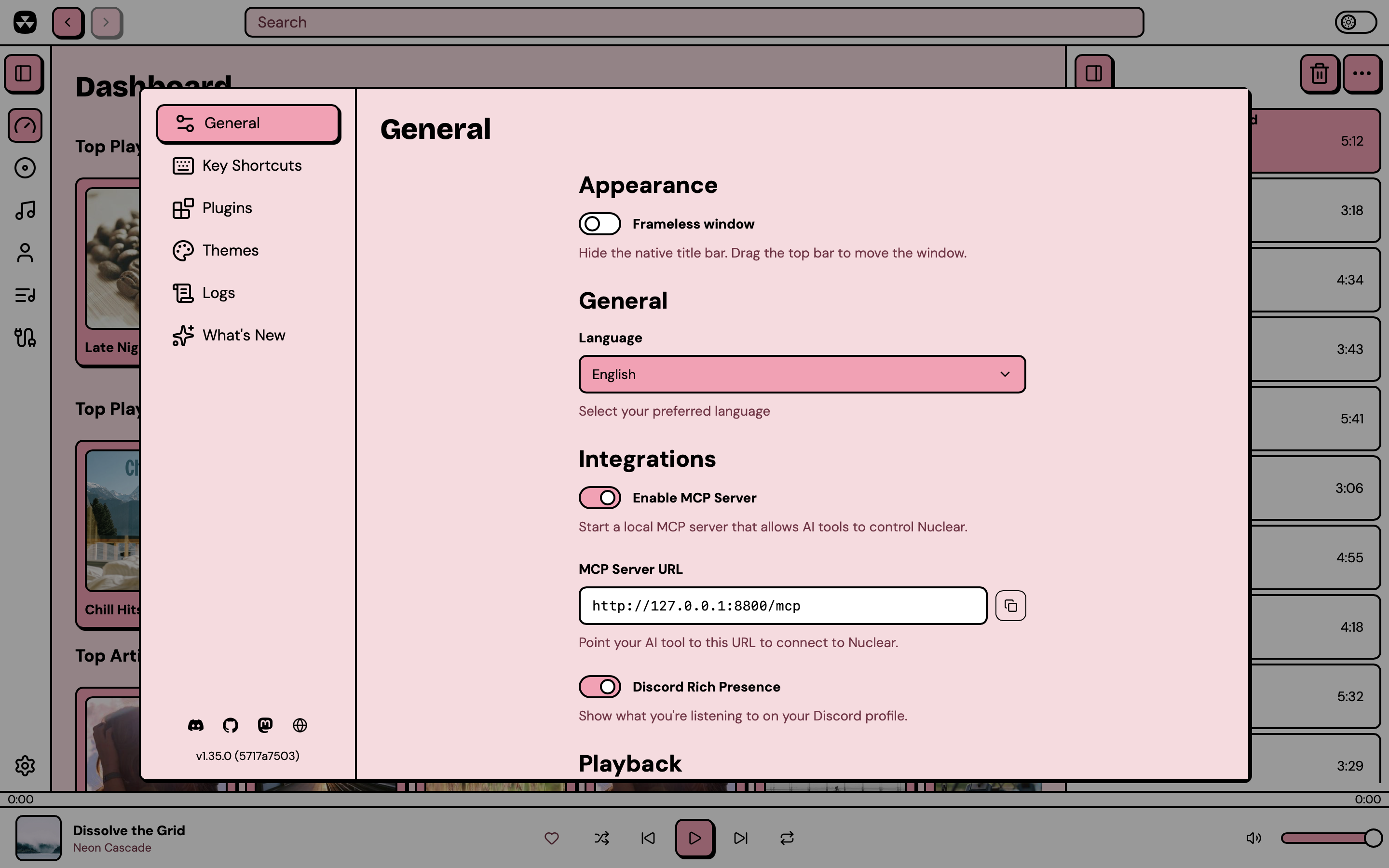 |
| Installed plugins | Preferences |
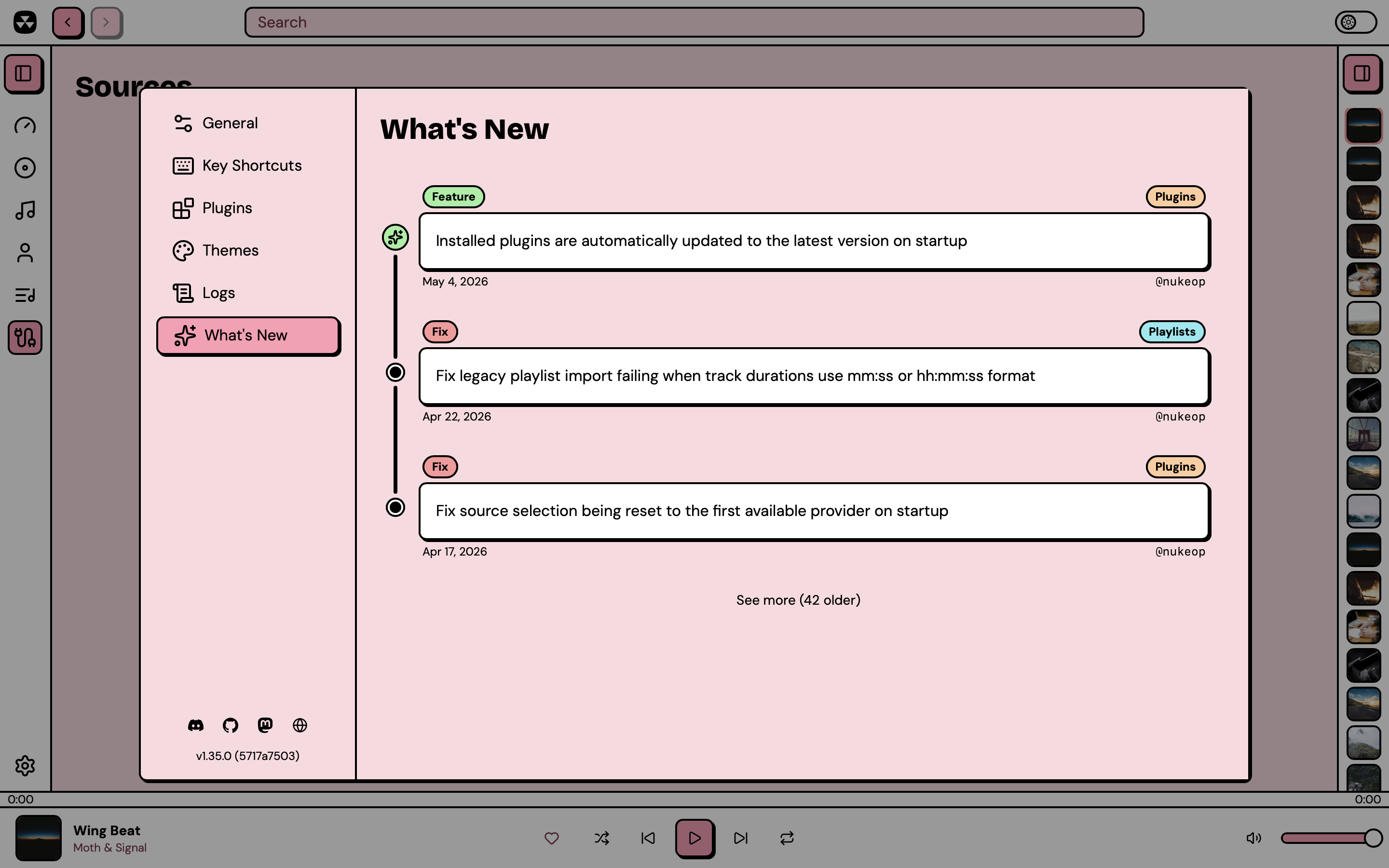 |
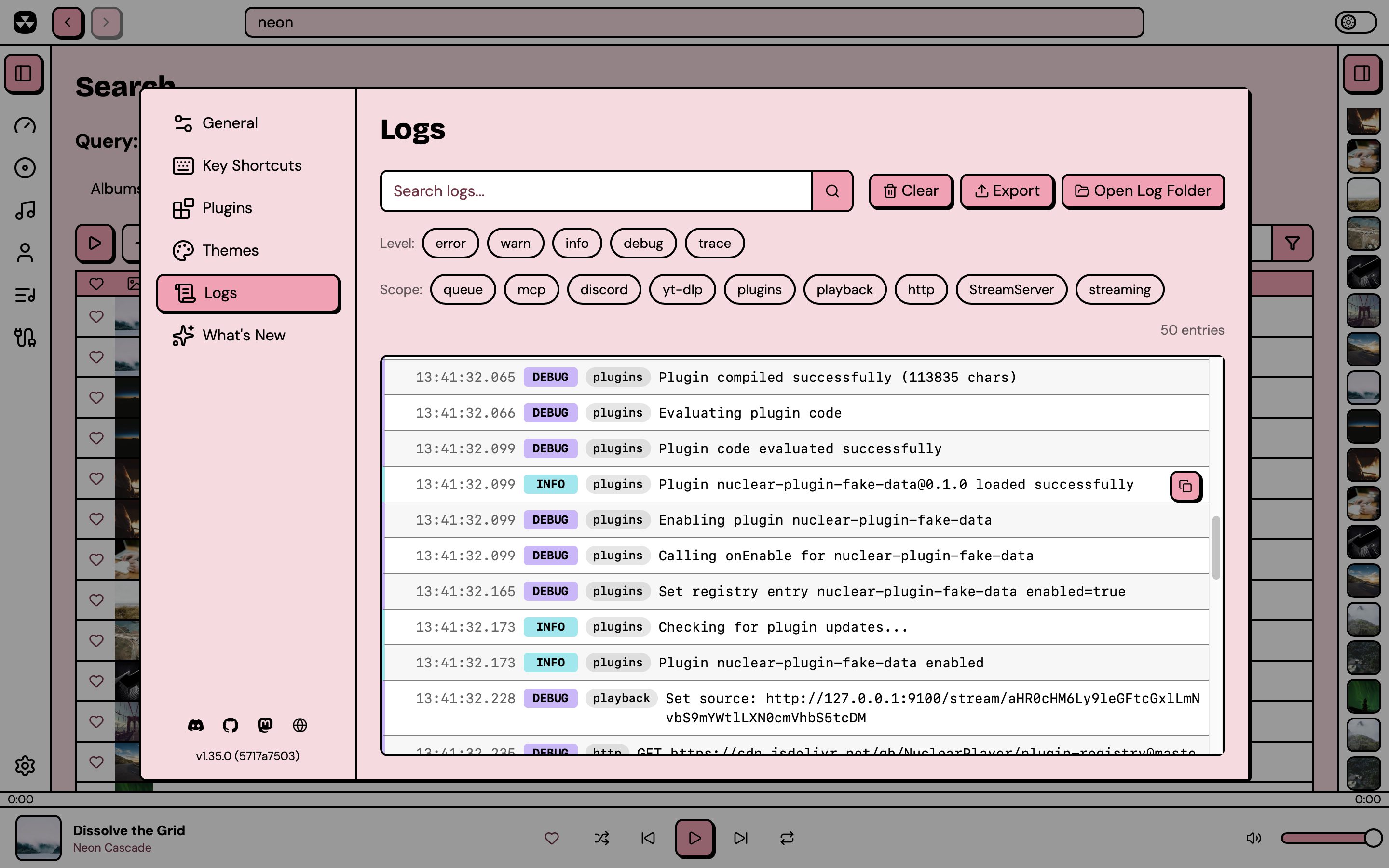 |
| What's new | Log viewer |
Control Nuclear from your phone with Nuclear Jam:
Download
Grab the latest release for your platform from the Releases page.
| Platform | Formats |
|---|---|
| Windows | .exe installer, .msi |
| macOS | .dmg (Apple Silicon and Intel) |
| Linux | .AppImage, .deb, .rpm, .flatpak |
Features
- Search for music and stream it from any source
- Browse artist pages with biographies, discographies, and similar artists
- Browse album pages with track listings
- Queue management with shuffle, repeat, and drag-and-drop reordering
- Favorites (albums, artists, and tracks)
- Playlists (create, import, export, import from various services)
- Powerful plugin system with a built-in plugin store
- Themes (built-in and custom CSS themes)
- MCP server lets your AI agent drive the player
- Auto-updates
- Keyboard shortcuts
- Localized in multiple languages
Plugins
Nuclear has a powerful plugin system now! Every functionality has been redesigned to be driven by plugins.
Plugins can provide streaming sources, metadata, playlists, dashboard content, and more. Browse and install plugins from the built-in plugin store, or write your own using the @nuclearplayer/plugin-sdk.
MCP
You can enable the MCP server in Settings → Integrations.
Then to add it to Claude Code:
claude mcp add nuclear --transport http http://127.0.0.1:8800/mcp
Codex CLI:
Similar plugs


User-friendly AI Interface (Supports Ollama, OpenAI API, ...)

A cross-platform desktop All-in-One assistant for Claude Code, Codex, OpenCode, OpenClaw, Grok Build & Hermes Agent. Only official website: ccswitch.io

Never stop coding. Free MIT AI gateway: one endpoint, 359 providers (150+ free), 1200+ models Kimi, Claude, GPT, Gemini, GLM, DeepSeek, MiniMax. Works with Claude Code, Codex,…


LocalAI is the open-source AI engine. Run any model - LLMs, vision, voice, image, video - on any hardware. No GPU required.