
Oh My Openagent
OmO: Just type "mass ulw" keyword with your prompt. Now you are the master of graph engineering.
Install
git clone https://github.com/code-yeongyu/oh-my-openagentInstall command taken from the project's README or registry entry. Always review code before running it.
README excerpt
Read full README on GitHub →[!NOTE] OmO 5.0: OmO ❤️ Pi Install it with
curl -fsSL https://get.omo.dev/install.sh | bash. Memory system, CodeMode, Anthropic subscriptions, all covered.Just type "mass ulw" with your prompt - now you are the master of graph engineering. Multi-model ultracode, together with a better memory system. (The right panel is omo-herdr-dag.)
Sponsors These are our sponsors. They help keep OmO going as a personal side project.
OpenGateway sponsors OmO. An OpenAI-compatible gateway that puts many model providers behind one API. Thank you for backing open source.
[!NOTE]
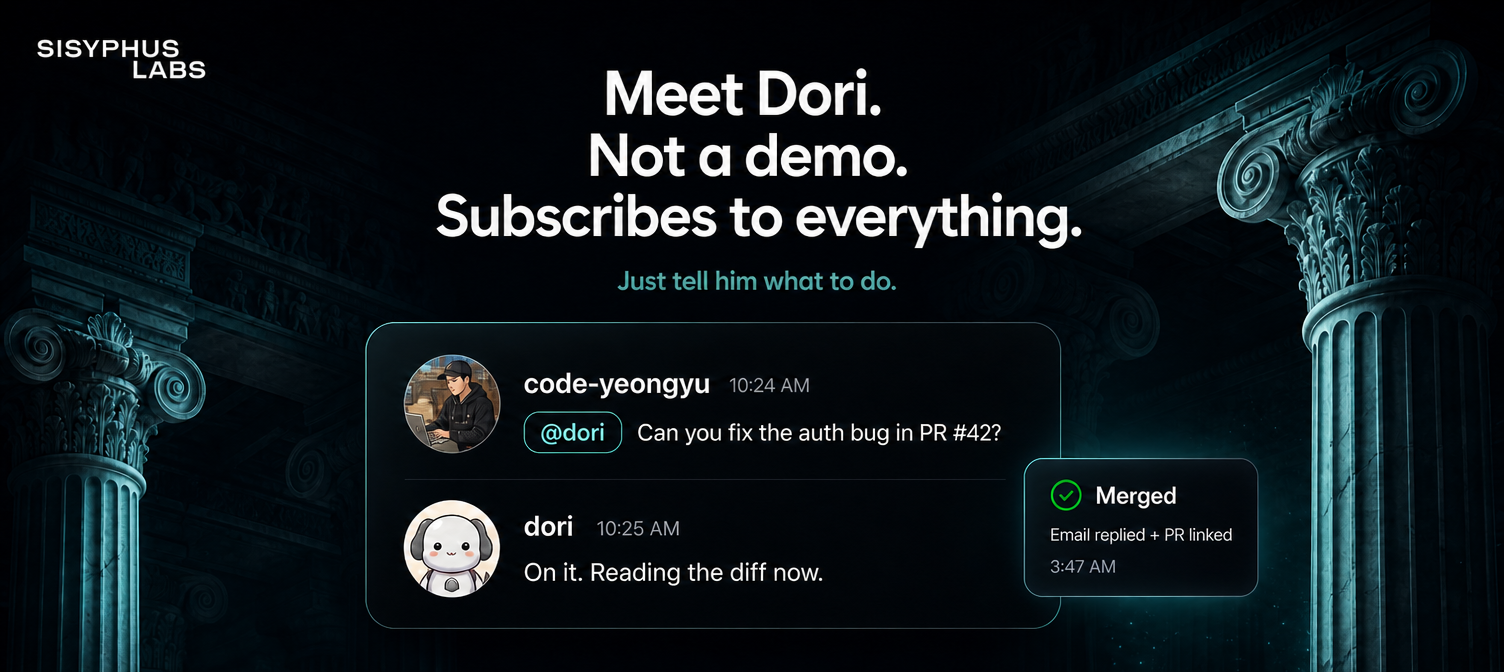
OmO is maintained by Jobdori, the AI assistant shown above. Meet your own Jobdori, Dori. Join the waitlist here.
[!TIP] Be with us!
Join our Discord community to connect with contributors and fellow OmO users. Updates for OmO used to be posted on my X account. Since it was mistakenly suspended, @justsisyphus now posts updates on my behalf. Follow @code-yeongyu on GitHub for more projects.
OmO
Your tool for real work. But it's an agent.
English | 简体中文 | 日本語 | Русский | 한국어
OmO is one omo command that turns your tokens into finished work: research across ten thousand sources, a deck people actually get, backends, frontends, code. It runs on senpi, our fork of pi, with everything below built in.
Install
curl -fsSL https://get.omo.dev/install.sh | bash
omo
On Windows, in PowerShell: irm https://get.omo.dev/install.ps1 | iex. The script installs the native omo binary for your OS and CPU into ~/.local/bin, checks it against the release checksums, and falls back to GitHub Releases when the mirror is unreachable. Add -s -- beta (or a version such as -s -- 5.1.1) after bash to pick another channel. Windows CMD, fixing your PATH, updating and uninstalling are covered at omo.dev/docs/install.
Prefer a package manager? bun add -g omo-ai (or npm i -g omo-ai) installs the same OmO. The package is omo-ai; the unrelated omo package on npm is someone else's.
Open your project, run omo, describe the job. That's the whole setup.
In a session, /thinking <level> sets how hard the model thinks (/thinking alone opens a picker), Shift+Tab cycles through the levels, and /efforts <level> sets the reasoning effort directly on models with effort grades. To pick up earlier work, /resume (or /sessions) opens your past sessions; from the shell, omo -c continues the last one and omo -r opens the picker. /help lists everything else.
Similar plugs


Makes your AI agent think like the laziest senior dev in the room. The best code is the code you never wrote.

Turn any codebase, with its docs, SQL schemas, configs, and PDFs, into a queryable knowledge graph. A /graphify skill for Claude Code, Cursor, Codex, and Gemini CLI: local…

Why use many token when few token do trick. Viral skill + proxy for coding agents that cuts 65% of tokens by talking like a caveman.

Production-grade engineering skills for AI coding agents.

The 1st Collaborative AI Design Agent Workspace. Local-first and open source. Create prototypes, websites, apps, dashboards, presentations, images, and videos with your team…