
Work Canvas Skill
Turn an agent's work: progress, reviews, research, comparisons into a single self-contained, reviewable HTML page (a work canvas). An Agent skill.
Install
git clone https://github.com/JingbiaoMei/work-canvas-skillInstall command taken from the project's README or registry entry. Always review code before running it.
README excerpt
Read full README on GitHub →🛰️ work-canvas
Turn an agent's work — progress, debugging, analysis, comparisons, decisions — into a single, self-contained, reviewable HTML page you open in a browser.
English | 中文
When a long or messy task is better seen than read line-by-line in a terminal, work-canvas has the agent render its own work as one offline-openable HTML "work canvas".
| Light | Dark |
|---|---|
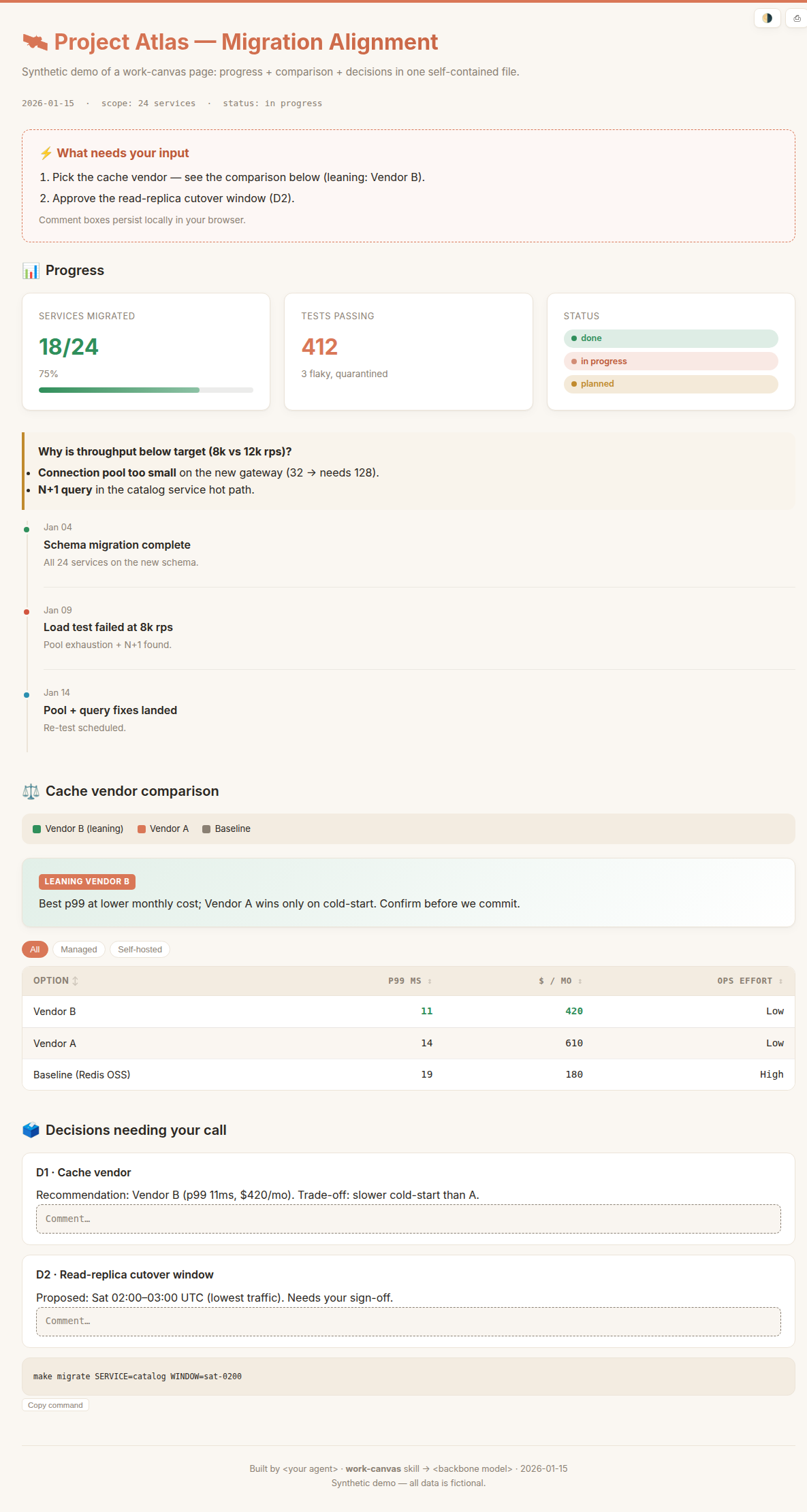 |
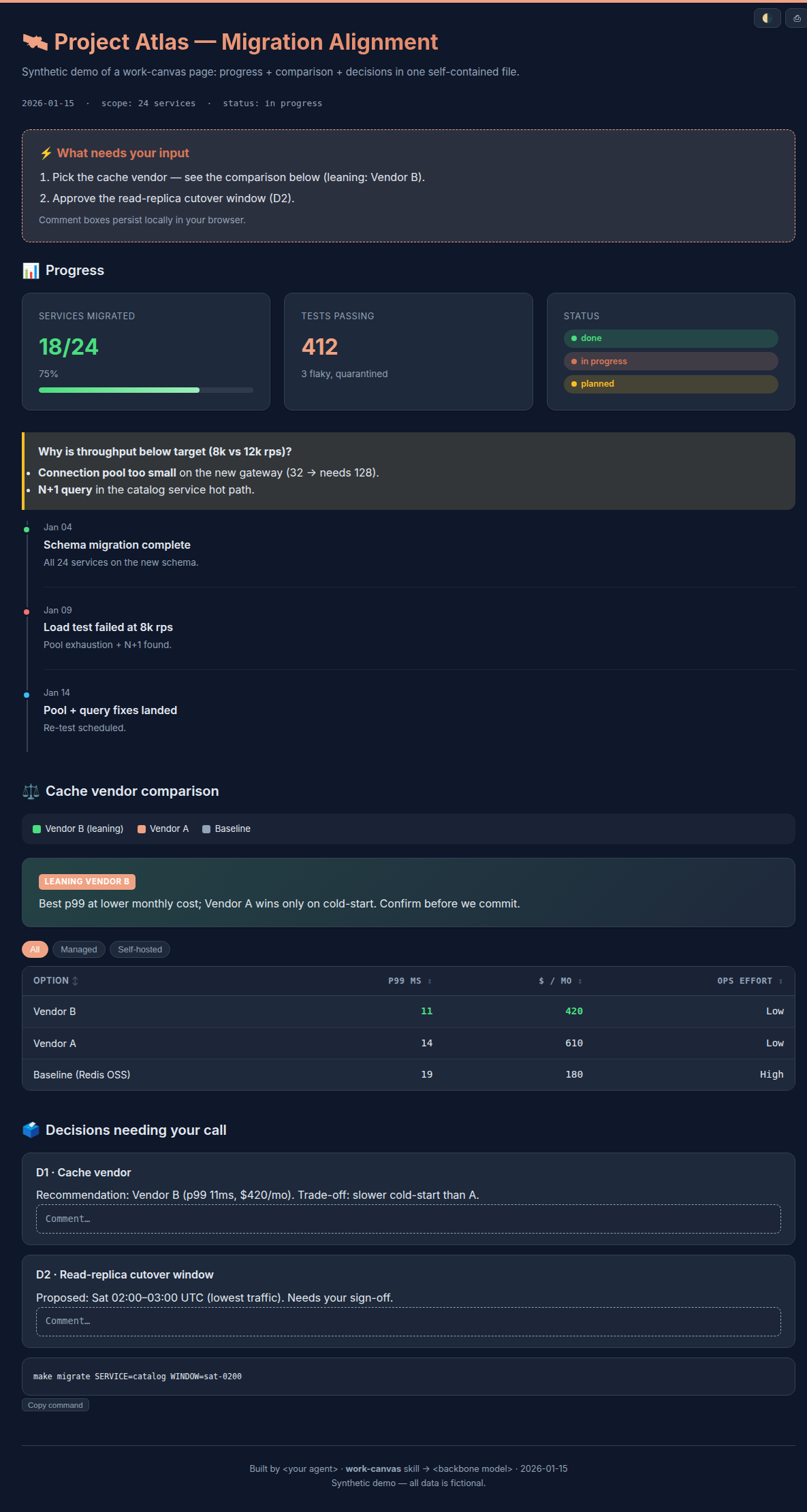 |
Why
Inspired by the idea (popularized by Andrej Karpathy) that an agent's output is often better rendered as a visual page than read as a wall of text. Terminal logs are the wrong medium for long, multi-subsystem, trial-and-error work — you want the whole picture, what broke, and what needs your input, in one glance.
What it produces
Three artifact types, each with a ready-made section skeleton and components:
- Progress / status report — KPI cards, a debugging timeline, status badges, action items with the next command attached.
- Review / decision memo — a verdict plus numbered decisions with inline, persistent comment boxes you can mark up; tabs or a sidebar for long content.
- Comparison / leaderboard — sortable / filterable tables with cost & latency columns, side-by-side panels, and an image lightbox.
Every page is one self-contained file (inline CSS/JS, embedded media, no CDN) that opens by double-click, offline. Light theme by default, dark via a toggle.
Install
This skill is agent-installable. The repo ships a packaged work-canvas.skill — a zip of just the skill folder (SKILL.md + assets/ + references/, no repo extras), so it's the cleanest thing to install.
Paste the following to your coding agent (Claude Code, Codex, Pi, OpenCode, …):
Download https://raw.githubusercontent.com/JingbiaoMei/work-canvas-skill/main/work-canvas.skill
(it's a zip). Extract it, and install the resulting `work-canvas/` folder for all my local
coding agents — copy it into each tool's skills directory (e.g. ~/.claude/skills/,
~/.codex/, ~/.agents/), as each tool expects. Then tell me where you installed it.
The .skill unzips to a clean work-canvas/ folder, ready to drop into any agent's skills directory.
Use
Once installed, just ask — the skill triggers on intent:
- "Make a work-canvas progress report for this benchmark run."
- "Give me a reviewable HTML to align on the design and decide next steps."
- "Build a comparison canvas of these three options."
- Use
/goalfor a long task; when the goal ends, the agent generates a work-canvas progress/status report for that goal.
Or open examples/demo.html to see a rendered example.
What's in the box
SKILL.md                 router + workflow + conventions
assets/
  base.css               dual-theme design system (inlined into the page)
  interactions.js        opt-in vanilla-JS modules: theme · tabs · sort/filter · lightbox · copy · scrollspy · persist
  starter.html           copy-and-fill skeleton
references/
  progress-report.md     section skeleton + component recipes, one per type
  review-decision.md
  comparison.md
examples/
  demo.html / demo.zh-CN.html   synthetic showcase (EN / 中文), no real data
work-canvas.skill        packaged skill bundle
Principles (enforced for every page)
Similar plugs


Makes your AI agent think like the laziest senior dev in the room. The best code is the code you never wrote.

An AI skill that provides design intelligence for building professional UI/UX across multiple platforms.

Turn any codebase, with its docs, SQL schemas, configs, and PDFs, into a queryable knowledge graph. A /graphify skill for Claude Code, Cursor, Codex, and Gemini CLI: local…

Why use many token when few token do trick. Viral skill + proxy for coding agents that cuts 65% of tokens by talking like a caveman.

Production-grade engineering skills for AI coding agents.